



Returning a Subscribe & Save Order
Subscribe & Save orders process automatically on a set schedule - they don't need a fresh checkout each time. If an order has gone out that you weren't expecting, here's what you need to know.
Before you return - a quick note on Subscribe & Save Every Subscribe & Save order saves you a minimum of 10% and includes free delivery. You're also in full control: from My THC > Subscriptions you can pause, skip a delivery, change your frequency, or cancel at any time. We also send a reminder email three days before every order processes, so you've always got a window to act before anything goes out.
If you'd like to review or adjust your subscription, manage it here. More information on how to manage your subscriptions can be found here.
How to return a subscription order
- Log in to your account
- Go to My THC > Orders
- Select the relevant order and click Return Item(s)
- We'll email you a returns authorisation (RMA) number to proceed
Our return address is:
Troo Health Care
YOUR RMA NUMBER
Unit 22 Brough Park Trading Estate
Brough Park Way
Newcastle-upon-Tyne, NE6 2YF
More information on how to return an unwanted subscription order can be found here.
Please note: Because Subscribe & Save orders are set up by the customer at checkout, and we send a three-day reminder before every order processes, return postage on subscription orders isn't covered by us. You'll need to arrange and pay for your own return postage costs.
Our full returns policy is here.
If you need any help, contact our support team and we'll get it sorted.
Bestsellers
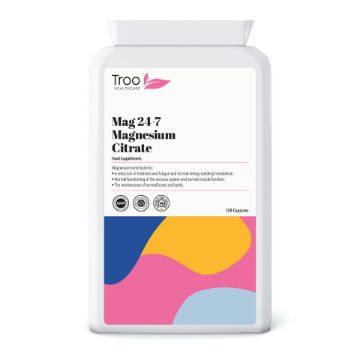
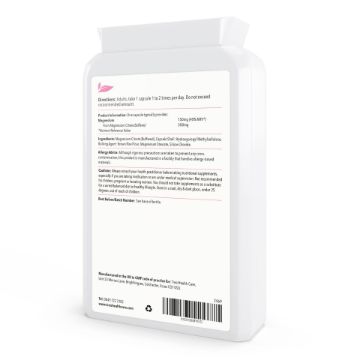
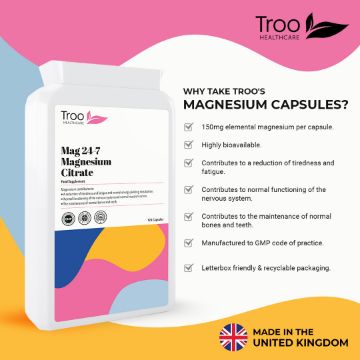
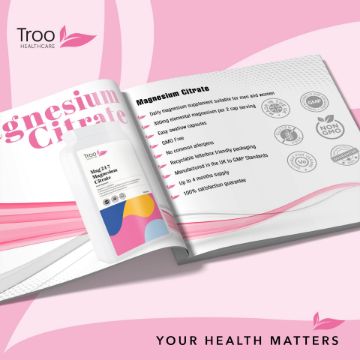
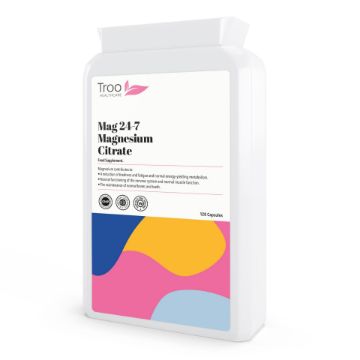
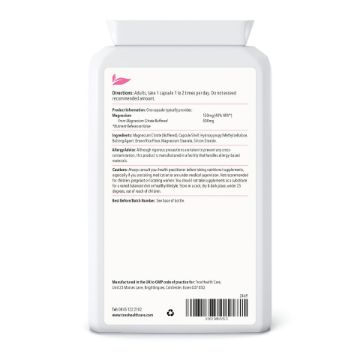
Mag 24-7 Magnesium Citrate 500mg 120 Capsules
Mag 24-7 Magnesium Citrate 500mg - essential daily supplement to help reduce tiredness & fatigue, whilst also supporting electrolyte balance, nervous system & muscle function. Magnesium also helps to maintain healthy teeth and bones.
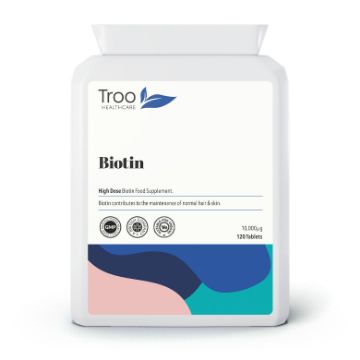
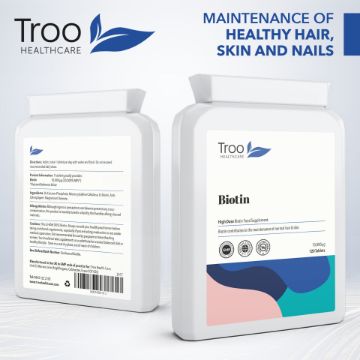
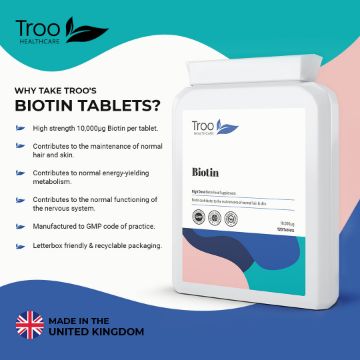
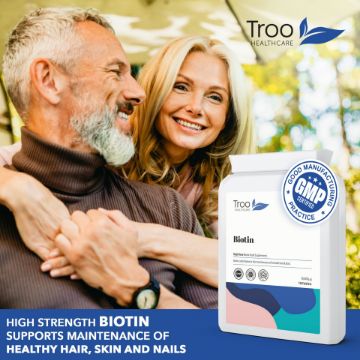
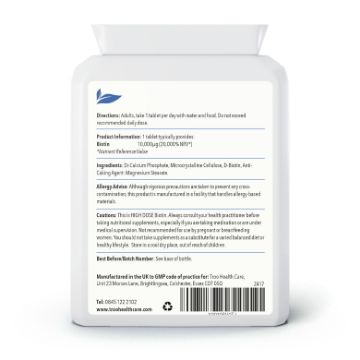
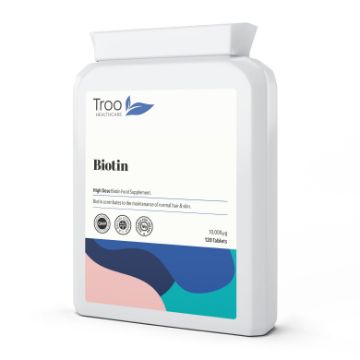
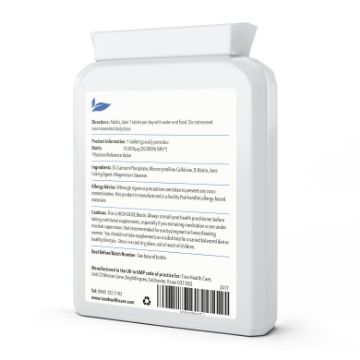
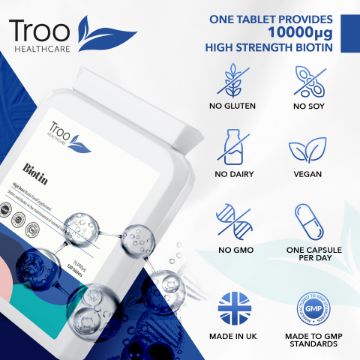
Biotin 10000µg 120 Tablets
Biotin high-strength 10,000mcg tablets, a daily supplement to support healthy hair and skin.
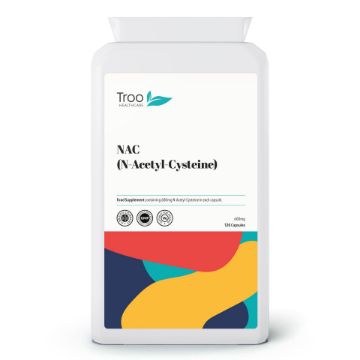
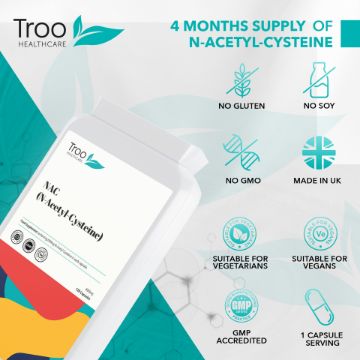
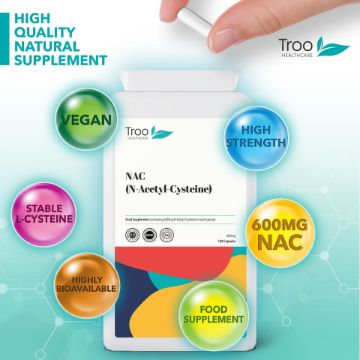
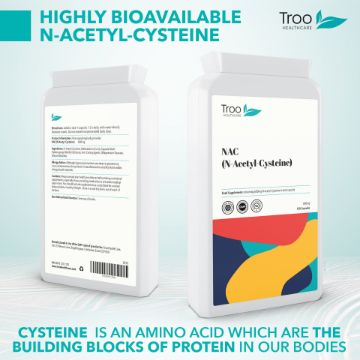
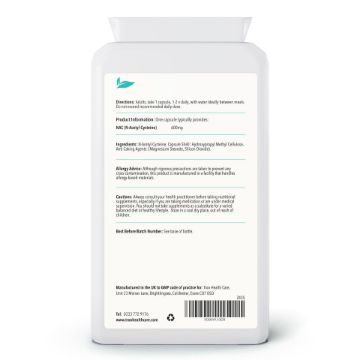
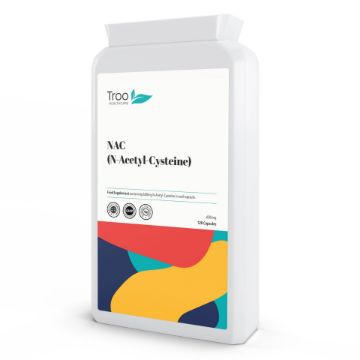
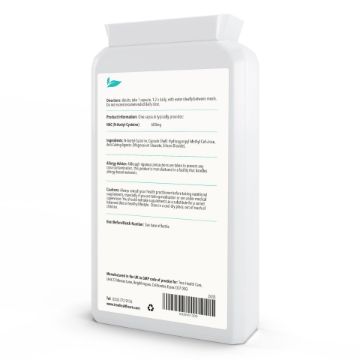
NAC N-Acetyl-Cysteine 600mg 120 Vegetarian Capsules - 4-Month Supply
NAC (N-Acetyl-Cysteine) is a stable, more bioavailable form of the amino acid L-cysteine. Each capsule delivers a generous 600mg, manufactured here in the UK to GMP standard, and the 120-capsule pack gives you a full four months at one a day. Suitable for vegetarians and vegans, posted in letterbox-friendly recyclable packaging.
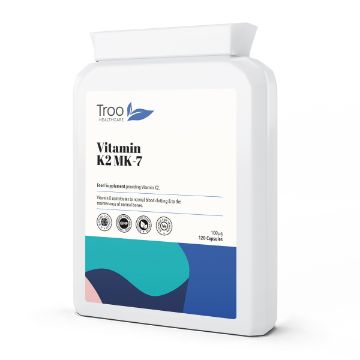
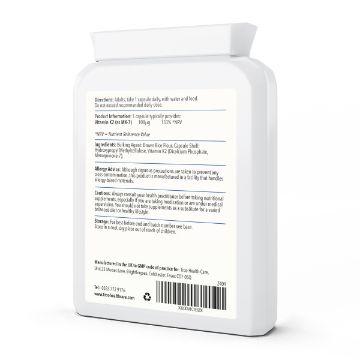
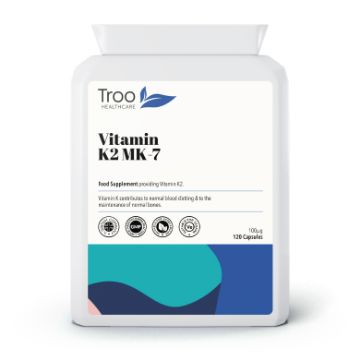
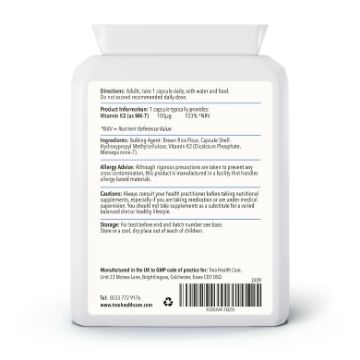
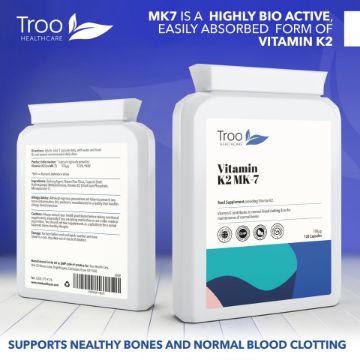
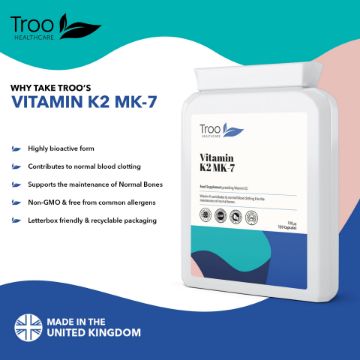
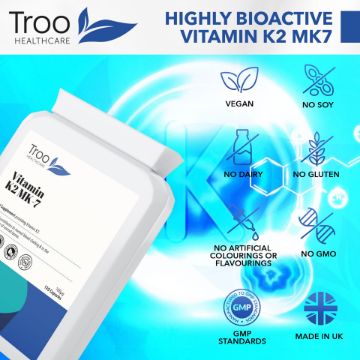
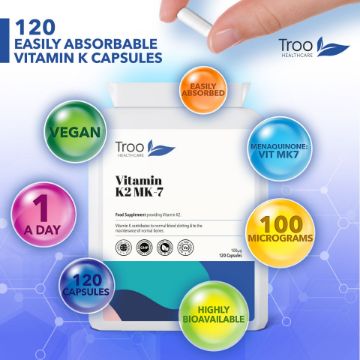
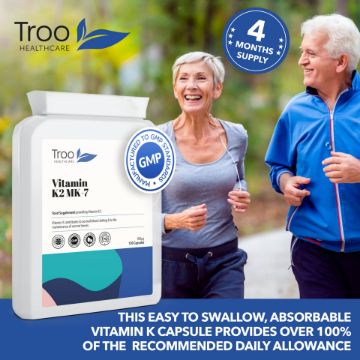

Vitamin K2 MK-7 100µg 120 Capsules
High-strength vitamin K2 MK7 capsules, a convenient daily supplement to support normal blood clotting & the maintenance of bones.
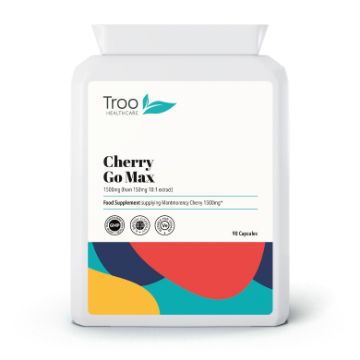
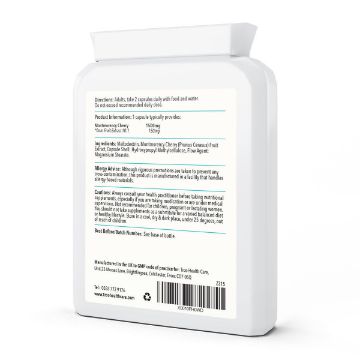
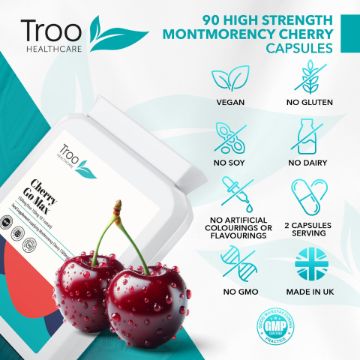
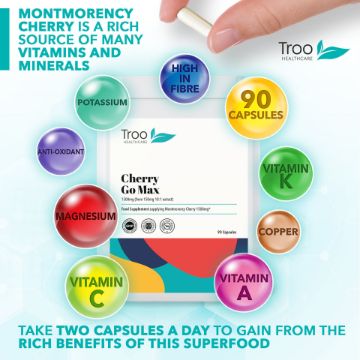
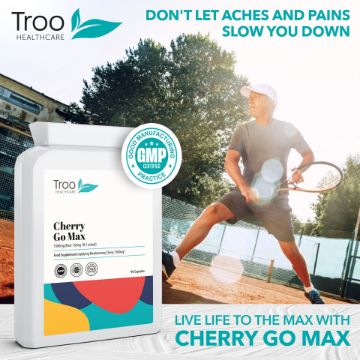
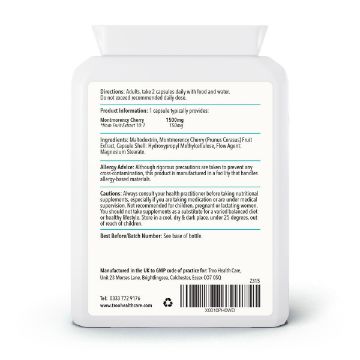


Cherry Go Montmorency Cherries 1500mg 90 Capsules
A high-strength daily sour cherry supplement, providing the equivalent of 1500mg of montmorency cherry per capsule.
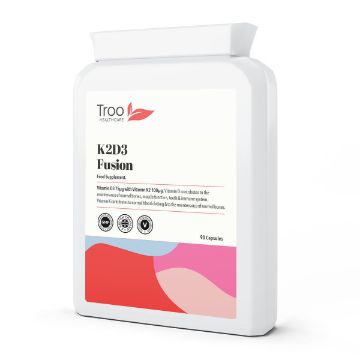
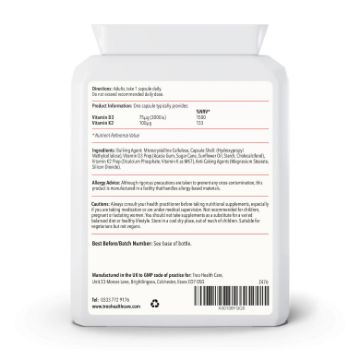
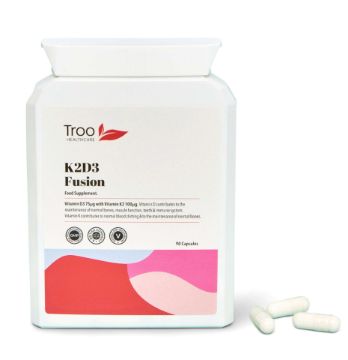
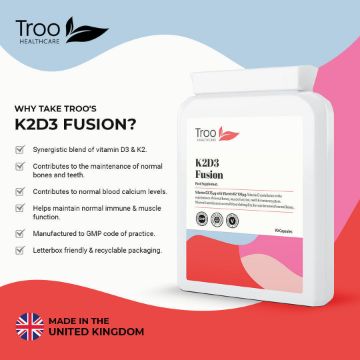
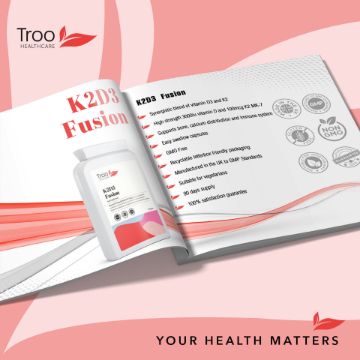
K2D3 Fusion Vitamin D3 3000 IU and Vit K2 100ug MK7 90 Capsules
Vitamin D3 3000 IU and Vitamin K2 100ug MK7 90 Capsules
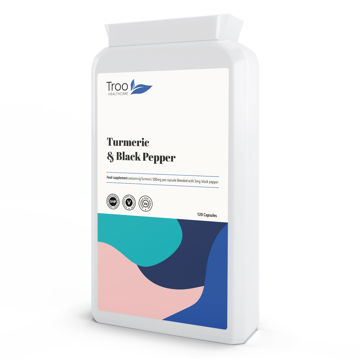
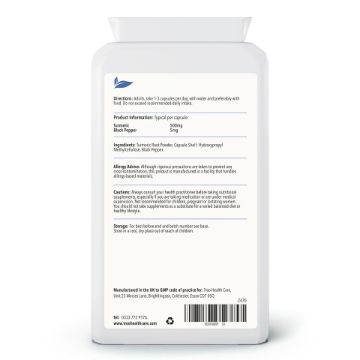
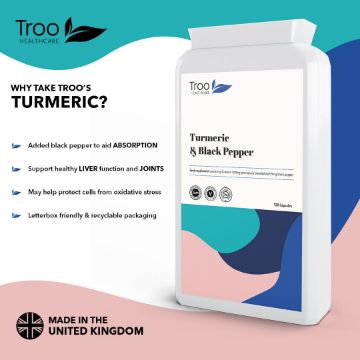
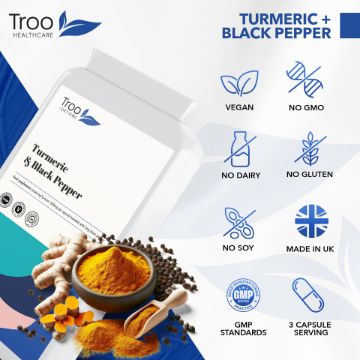
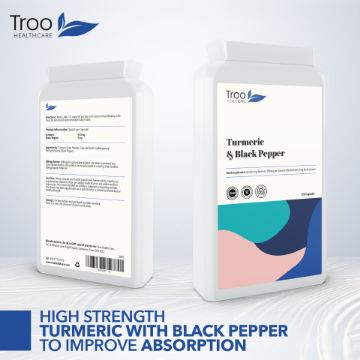
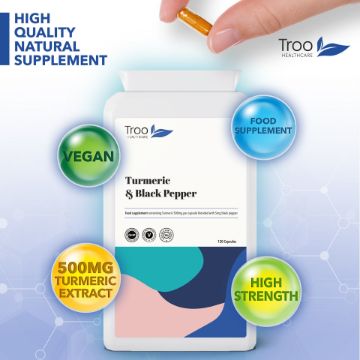
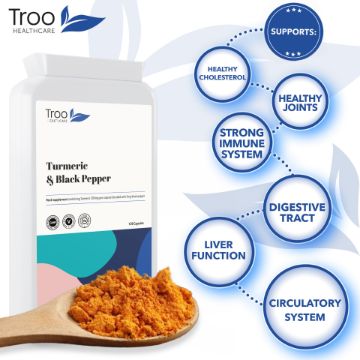
Turmeric 500mg with Black Pepper Extract 120 Capsules
Turmeric 500mg with Black Pepper Extract 120 Capsules
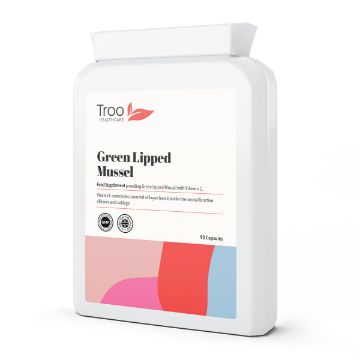
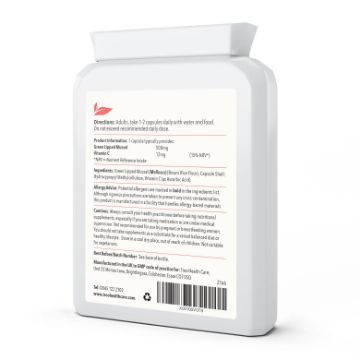
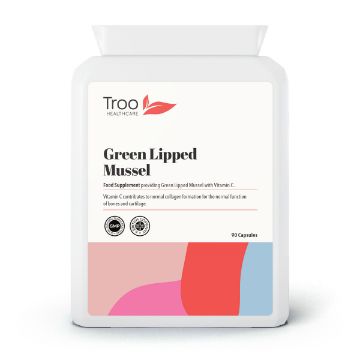
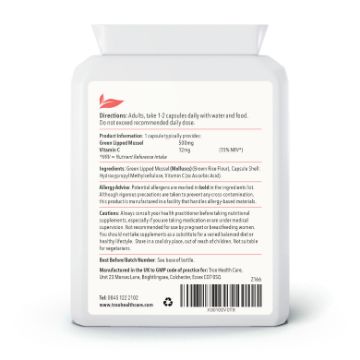
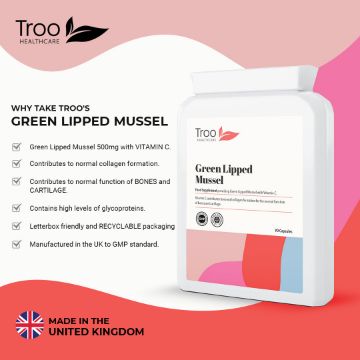
Green Lipped Mussel 500mg 90 Capsules
High-strength green lipped mussel supplement with added vitamin C to help maintain normal collagen formation and the function of bones and cartilage.
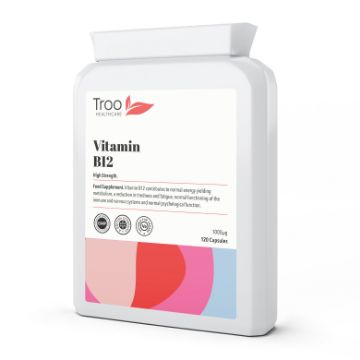
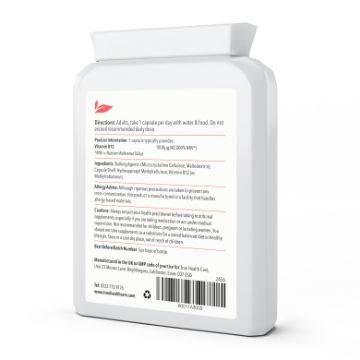
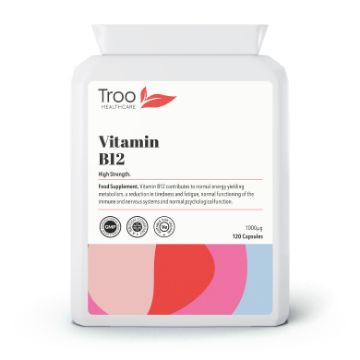
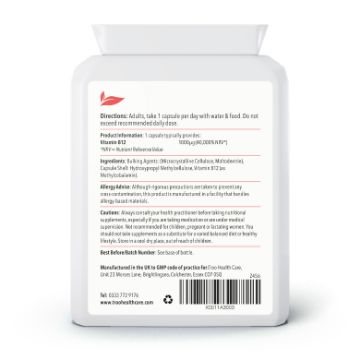
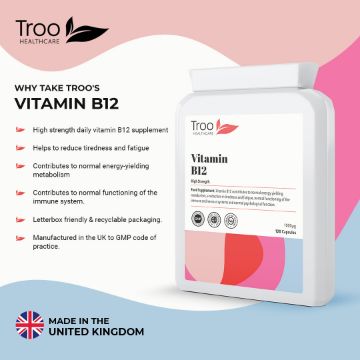
Vitamin B12 Methylcobalamin 1mg 120 Capsules
Vitamin B12 Methylcobalamin 1mg 120 Capsules
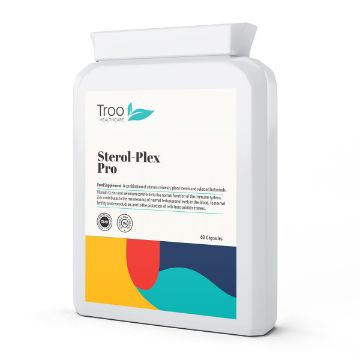


Sterol-Plex Pro 60 Capsules
An advanced blend of plant sterols, vitamins, minerals and botanicals help maintain normal testosterone levels, fertility and prostate function in men.
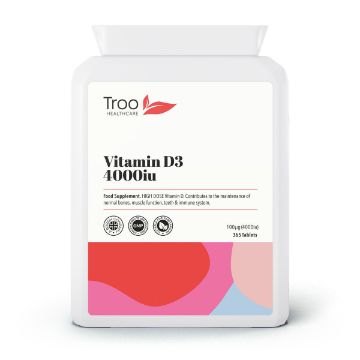
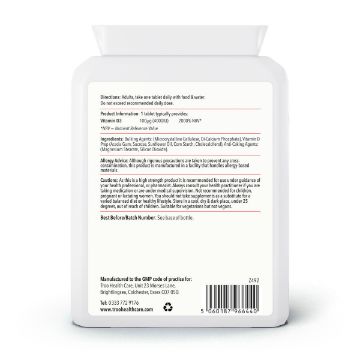
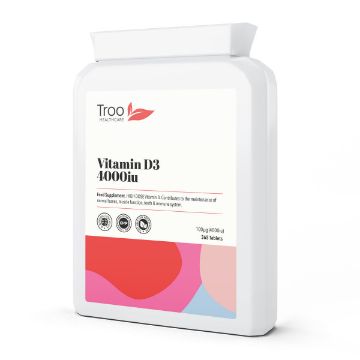
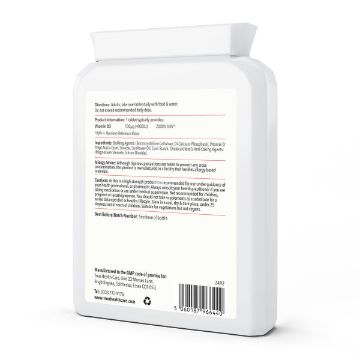
Vitamin D3 4000iu 365 Tablets - 1 Year Supply
Vitamin D3 4000iu 365 Tablets supplied in an innovative recyclable and letterbox friendly bottle for a convenient and easy to swallow daily vitamin d supplement. Vitamin D contributes to the maintenance of normal bones, muscle function, teeth & immune system.
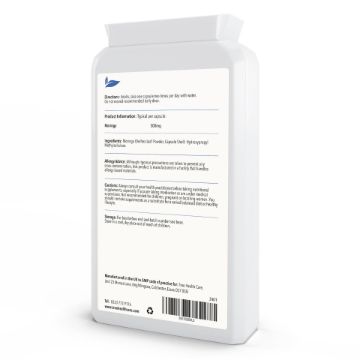
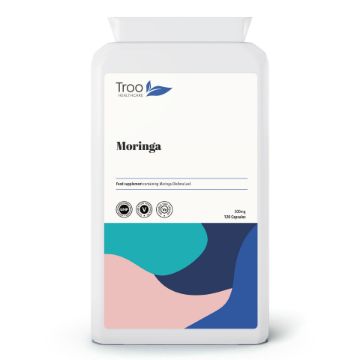
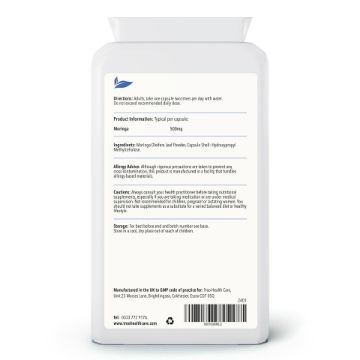
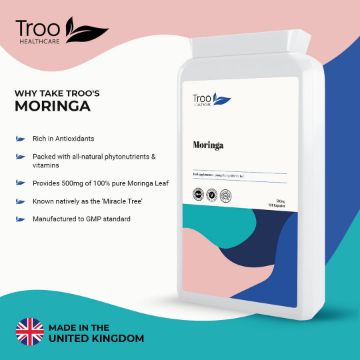
Moringa 500mg 120 Capsules
Moringa 500mg 120 Capsules
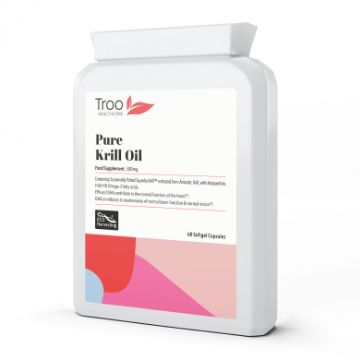
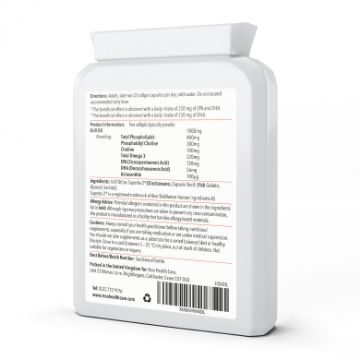
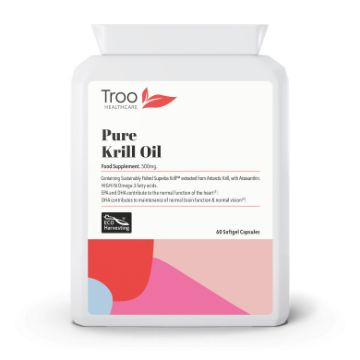
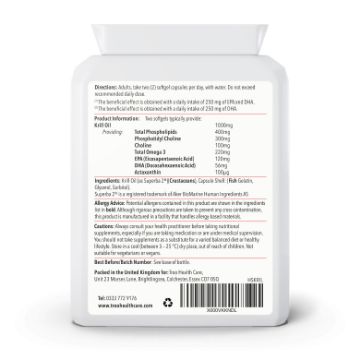
Superba2™ Krill Oil Extract 500mg 60 Capsules
Superba2™ Krill Oil Extract 500mg 60 Capsules
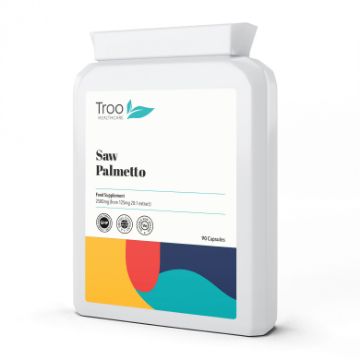
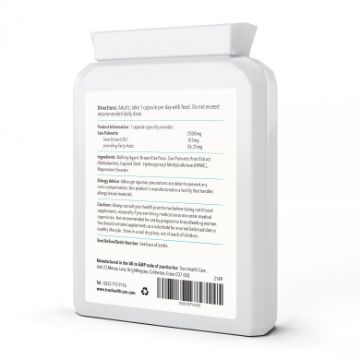
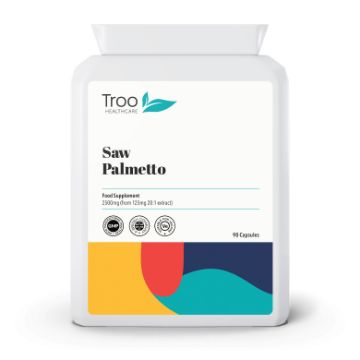
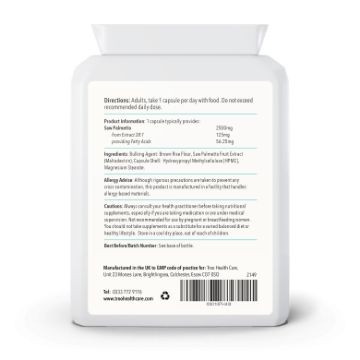
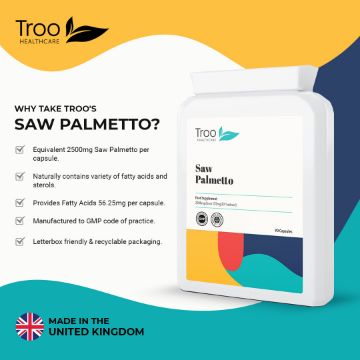
Saw Palmetto 2500mg from 125mg 20:1 Extract 90 Capsules
A high strength daily Saw Palmetto supplement, proividing the equivalent of 2500mg from 125mg of extract in each capsule.
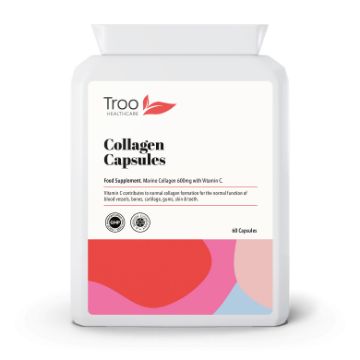
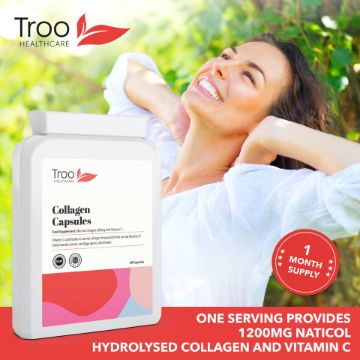
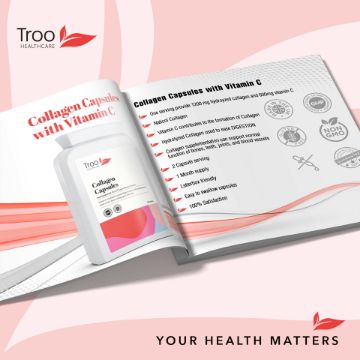
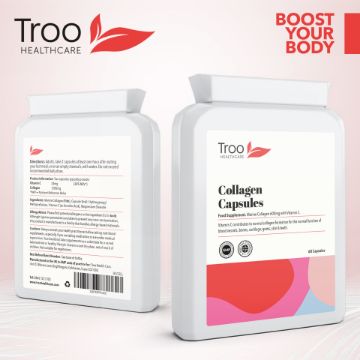
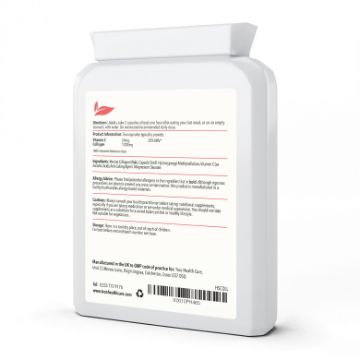
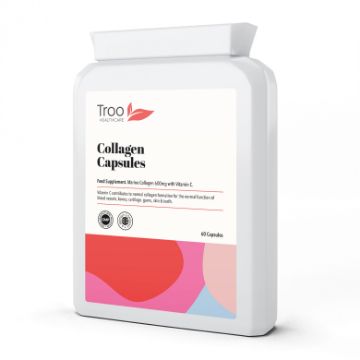

Marine Collagen Peptides Plus Vitamin C 60 Capsules 600mg
Each two-capsule serving provides 1,200mg of hydrolysed marine collagen peptides alongside 24mg of vitamin C - the nutrient your body needs to make its own collagen in the first place. Vitamin C contributes to normal collagen formation for the normal function of skin, bones, cartilage, gums, and blood vessels. UK-manufactured to GMP standard, in a 60-capsule pack that lasts a month at the recommended serving.
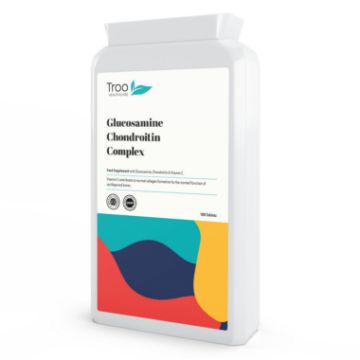
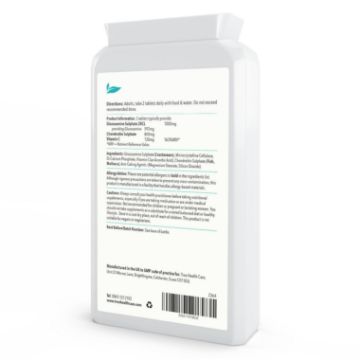
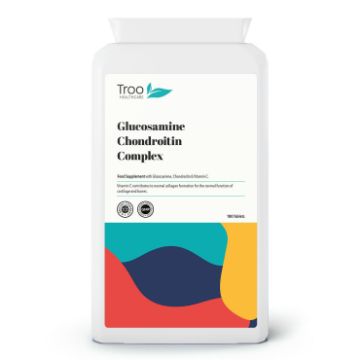
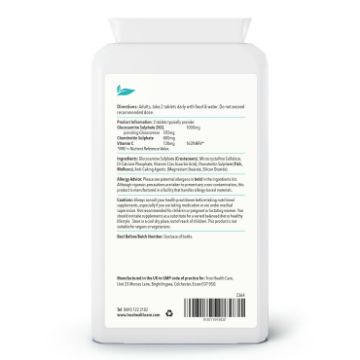
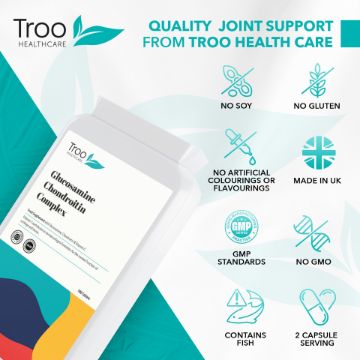

Glucosamine Chondroitin Complex 180 Tablets
Glucosamine Chondroitin Complex 180 Tablets
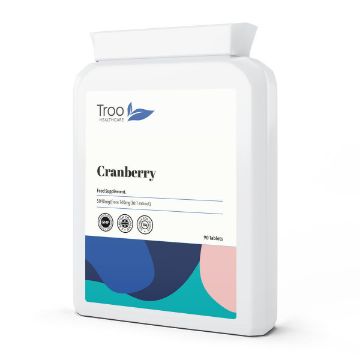
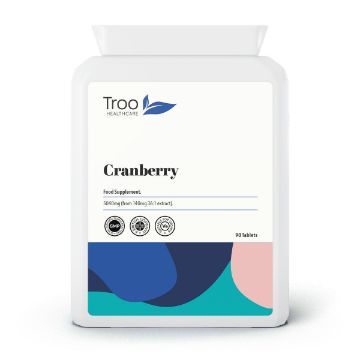
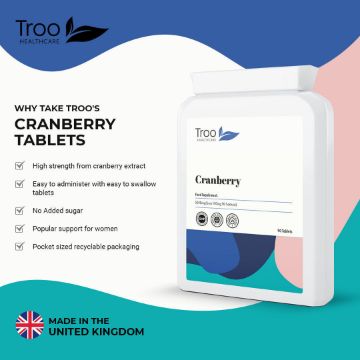
Cranberry 5040mg 90 Tablets
If you've ever tried drinking enough unsweetened cranberry juice to feel like you're getting somewhere, you'll appreciate the appeal of a tablet. This is a 36:1 cranberry fruit extract - meaning each tablet delivers the cranberry equivalent of 5,040mg of fresh fruit in a 140mg extract. UK-manufactured to GMP standard, suitable for vegetarians and vegans, posted in letterbox-friendly recyclable packaging.
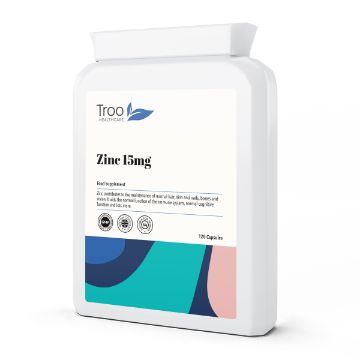
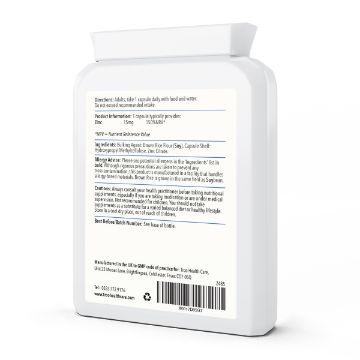
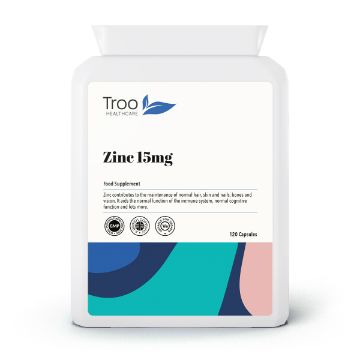
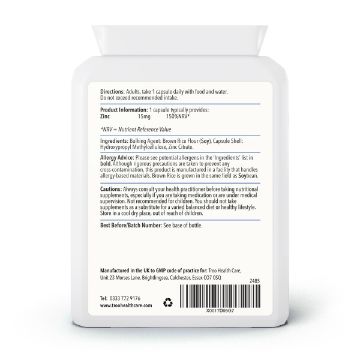
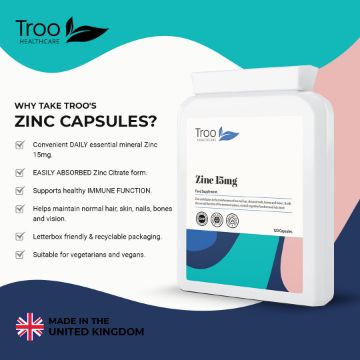
Zinc 15mg 120 Capsules
Zinc 15mg 120 Capsules
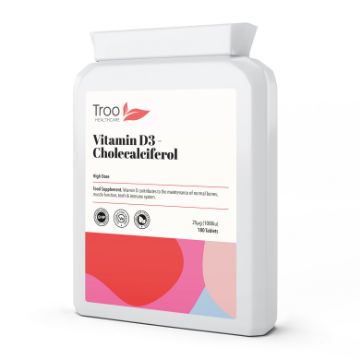
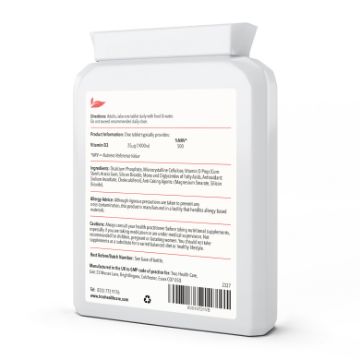
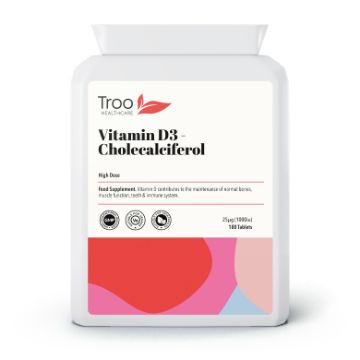
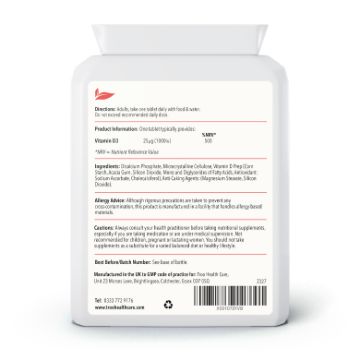
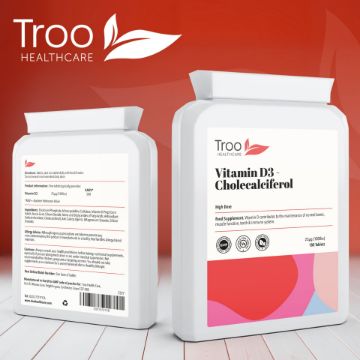
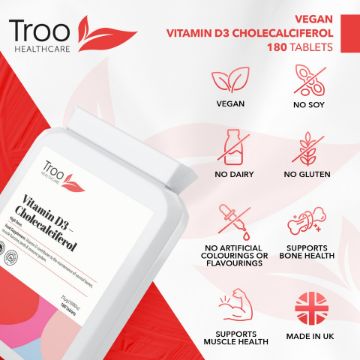
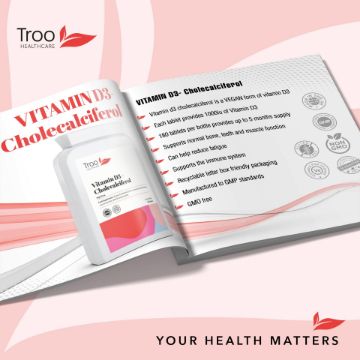
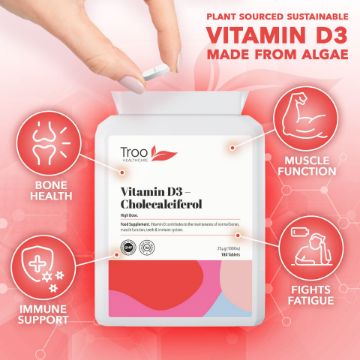
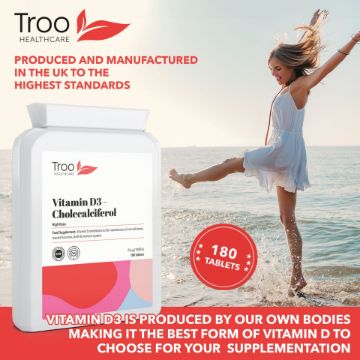


Vitamin D3 25mcg 1000iu 180 Vegan Tablets
Real Vitamin D3. From trees, not sheep. Plant-based cholecalciferol, sourced from sustainable pine bark. Viamin D3 tablets from Troo Health care provide a high strength supplement with an optimum recommended dose of 25mcg (1,000iu) of vitamin D3 in each tablet.
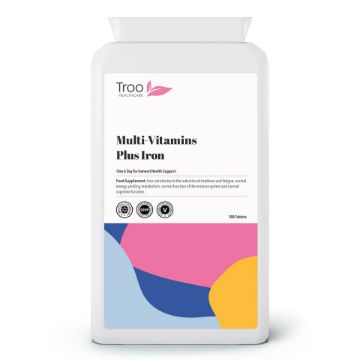

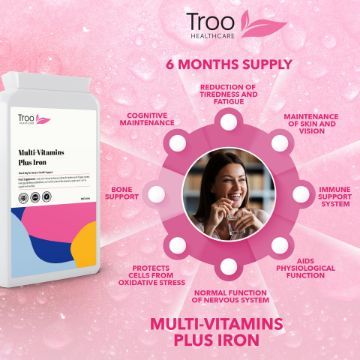
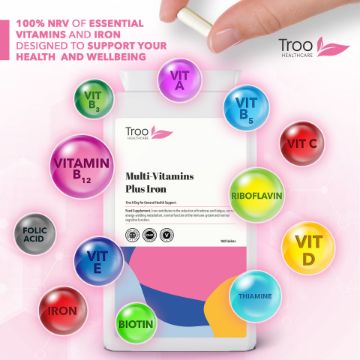
Multivitamin Plus Iron 180 Tablets
Multivitamin Plus Iron 180 Tablets
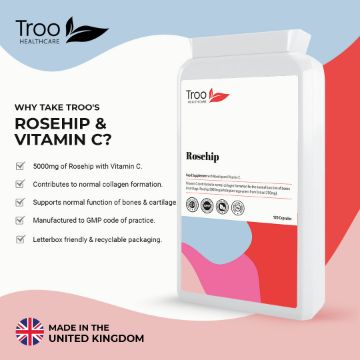
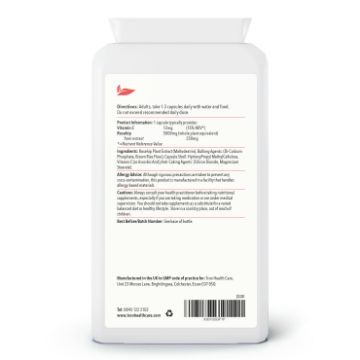
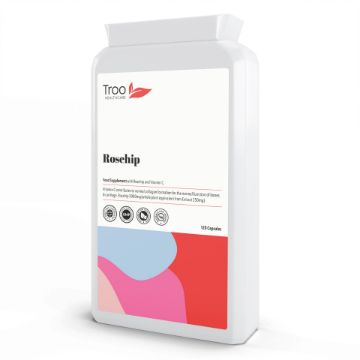
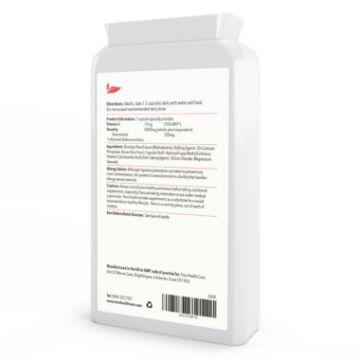
Rosehip Extract 5000mg Vitamin C 120 Capsules
A blend of high-strength Rosehip Extract with Vitamin C to provide a convenient daily supplement to help maintain bones & cartilage, whilst also providing digestive and immune function support.
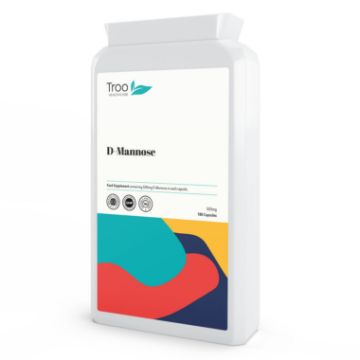
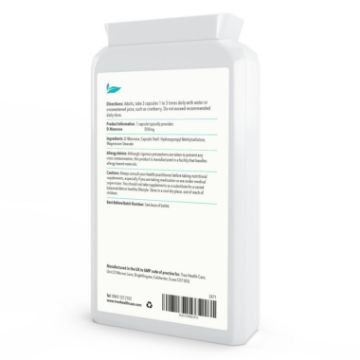
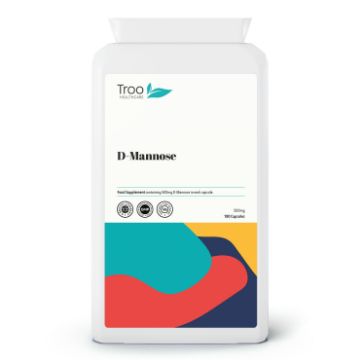
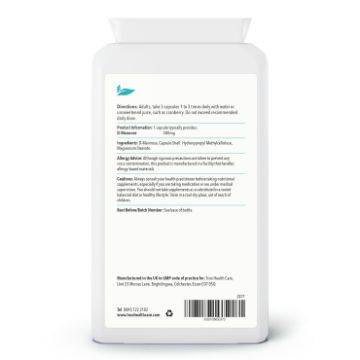
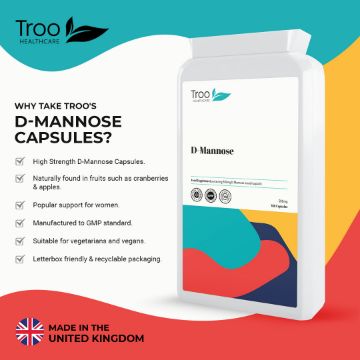
D-Mannose 500mg 180 Capsules
D Mannose 500mg 180 Capsules
New & Trending Products
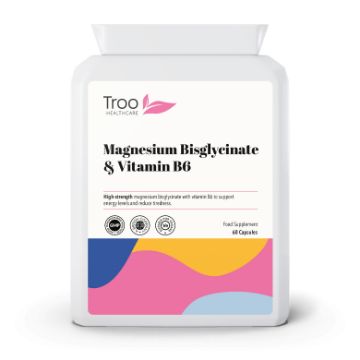
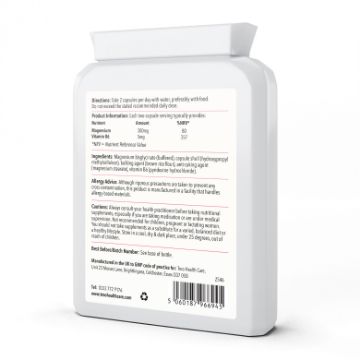
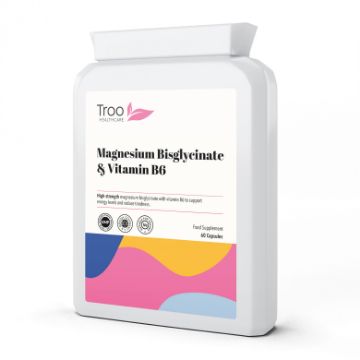
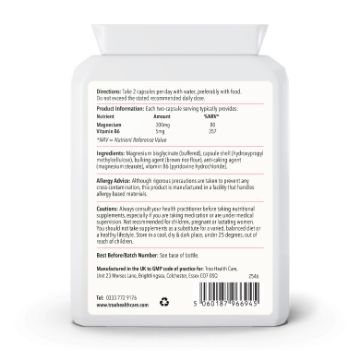
Magnesium Bisglycinate 60 Capsules
High-strength magnesium from bisglycinate with vitamin B6 for energy, tiredness & nervous system support.
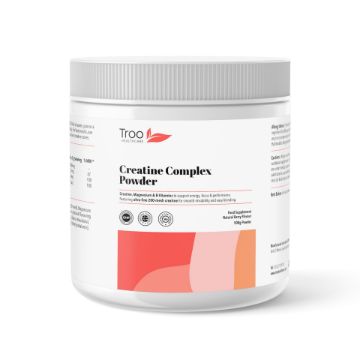
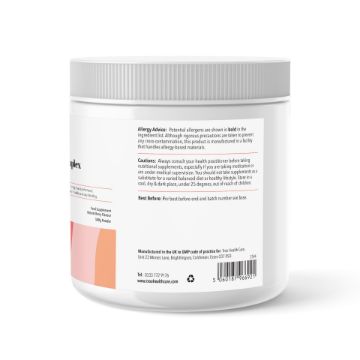
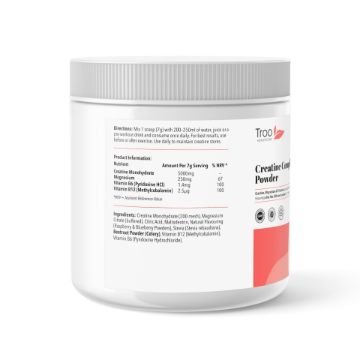
Creatine Monohydrate Complex Powder 500g
An elite blend of micronised creatine monohydrate powder with selected B vitamins and magnesium to support your body and mind throughout the day.
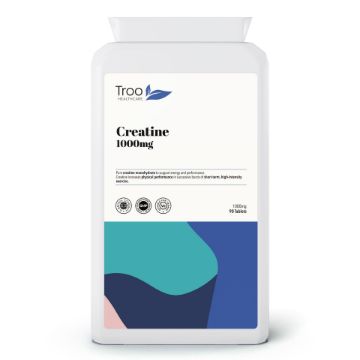
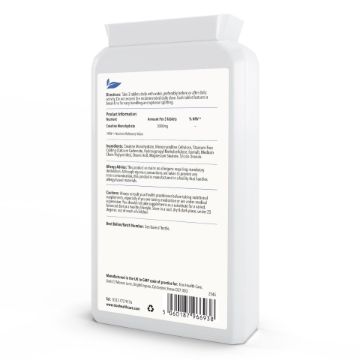
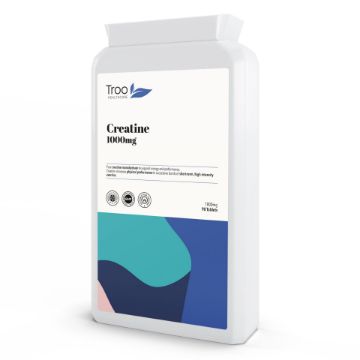
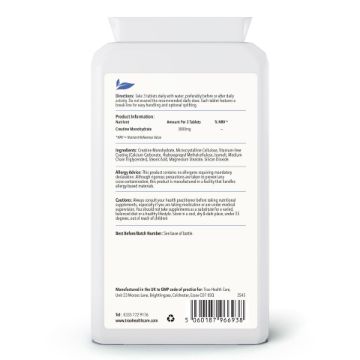
Creatine Monohydrate 1000mg 90 Tablets
A convenient and easy-to-take daily creatine supplement, providing 3000mg of creatine monohydrate in each serving of 3 tablets. High-performance made easy.
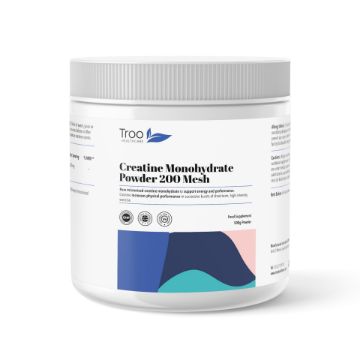
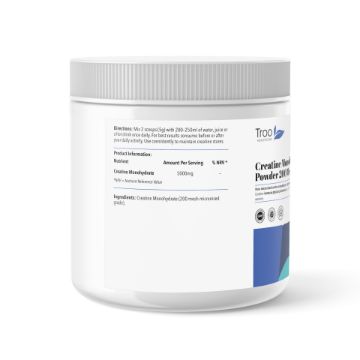
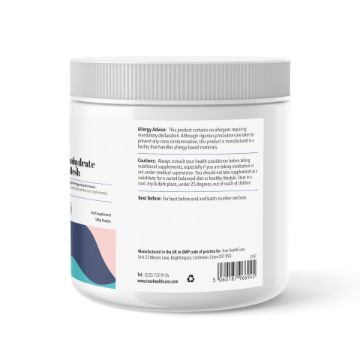
Creatine Monohydrate Powder 500g
Pure creatine monohydrate using ultra-fine 200-mesh powder for quick and easy mixing into drinks and smoothies. High quality sports performance support in a convenient daily serving.
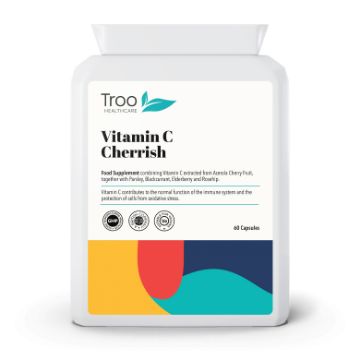
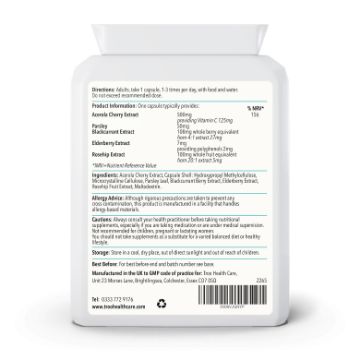
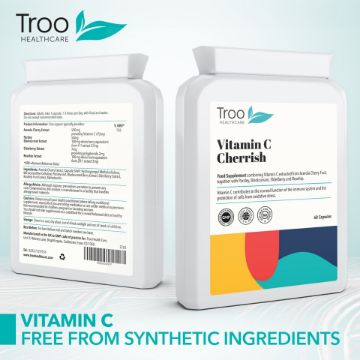
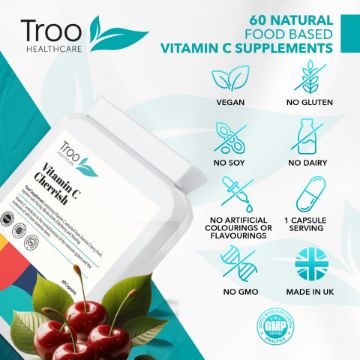
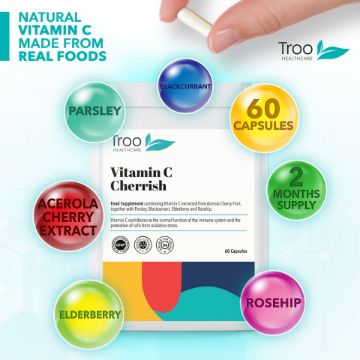
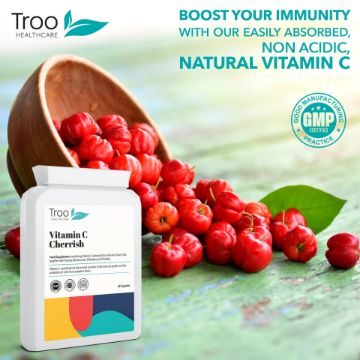
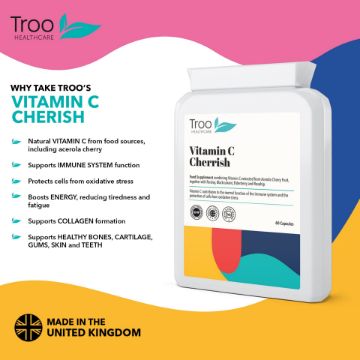
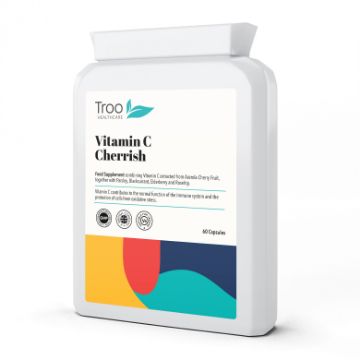
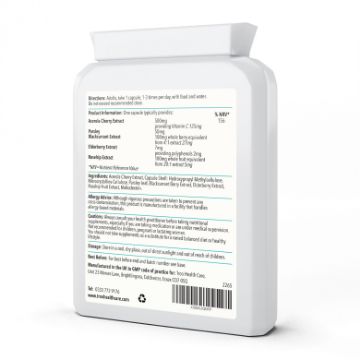
Cherish-C - Food Form Vitamin C Capsules
A food-form Vitamin C supplement, supplying high strength and bioavailable vit C through a blend of Acerola Cherry Fruit, together with Parsley, Blackcurrant, Elderberry and Rosehip.
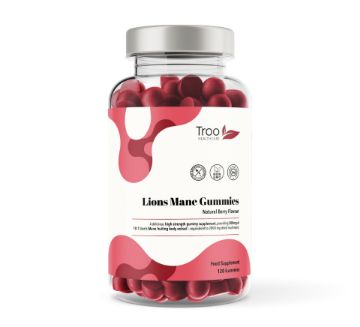
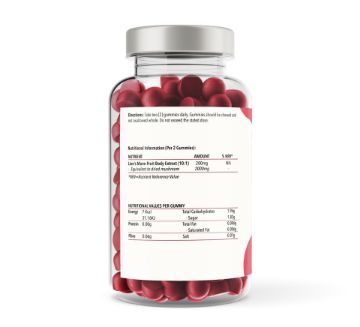
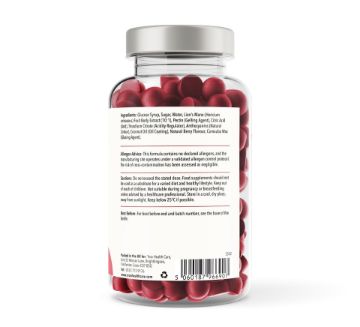
Lions Mane Gummies - Natural Berry Flavour Chewables
Delicious natural berry flavour lions mane gummies. Each serving of 2 gummies provides the equivalent of 2000mg of this popular functional mushroom.
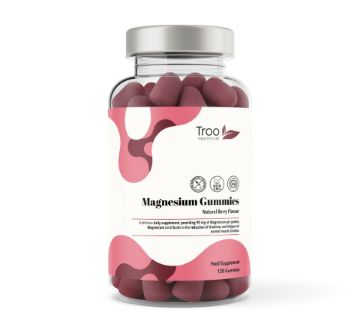
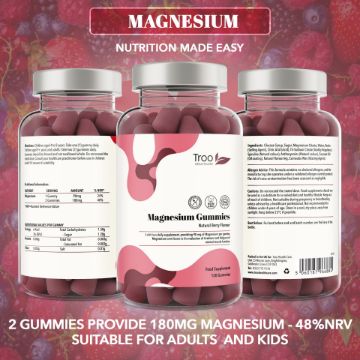
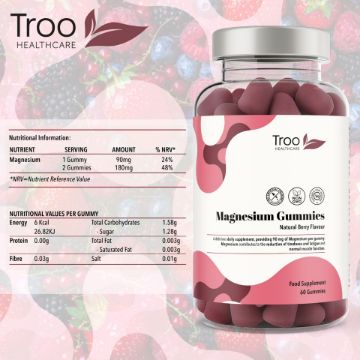
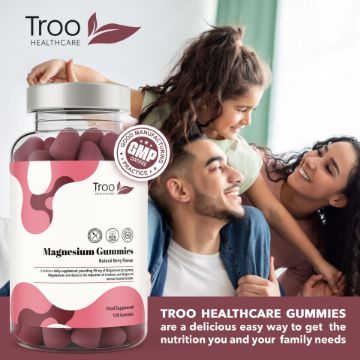
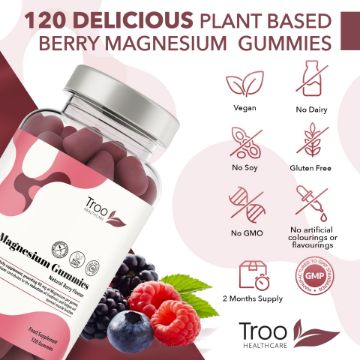
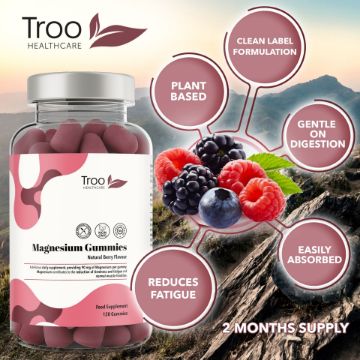
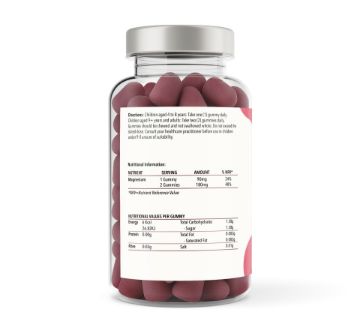
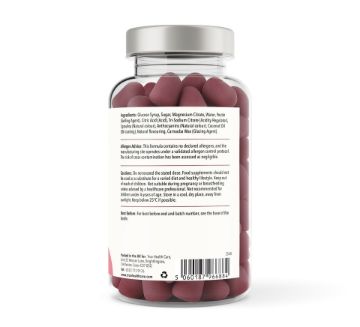
Magnesium Citrate Gummies - Natural Berry Flavour
Troo Health Magnesium Gummies, delicious natural berry flavoured chewable supplement delivering 180mg of elemental magnesium per serving from citrate.
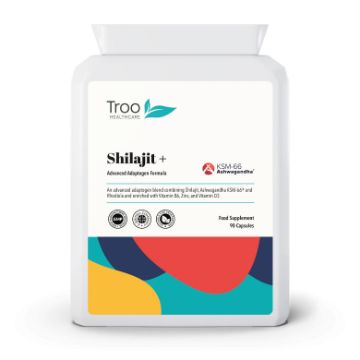
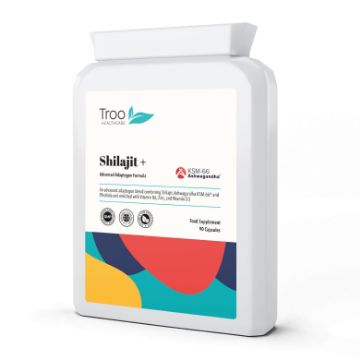
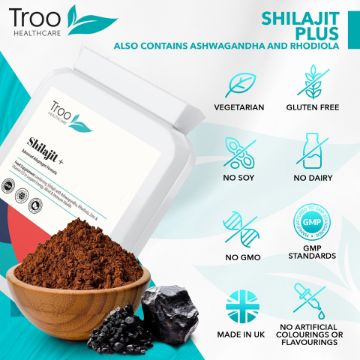
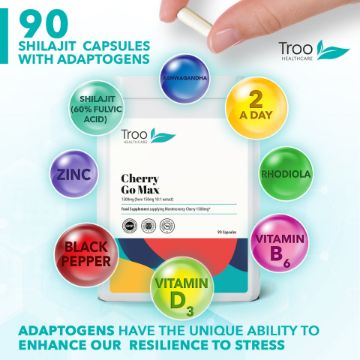
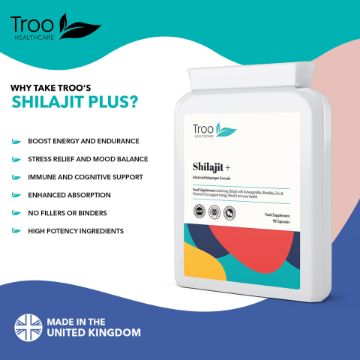

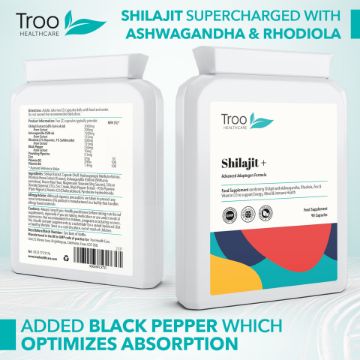
Shilajit Plus Adaptogens with Ashwagandha KSM66 & Rhodiola
Shilajit Plus Adaptogen Complex 90 Capsules.
PrimeLife NAD+ 500mg - 60 Sustained Release Capsules
A high-strength Pure NMN supplement, providing 500mg of Nicotinamide Mononucleotide per capsule and delivered in a delayed-release capsule shell to ensure maximum bioavailability. Embrace a life of vitality and youthfulness with PrimeLife.
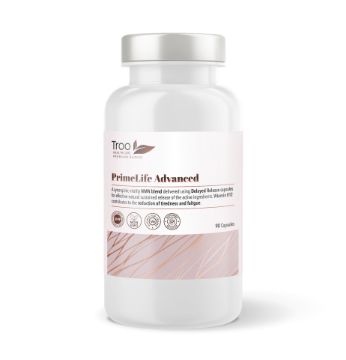
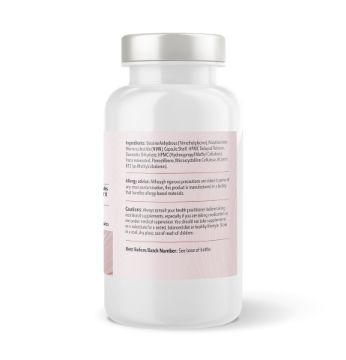
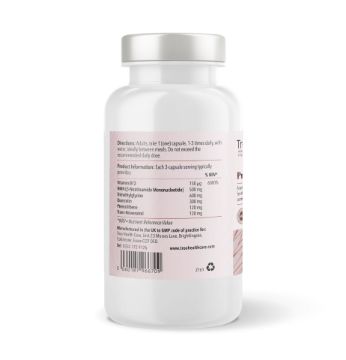
Primelife Advanced NAD+ Quercetin Complex - 90 Sustained Release Capsules
Primelife Advanced NAD+, NMN and Quercetin Complex 90 Capsules. Revitalise Your Well-being with PrimeLife Advanced Complex, a synergistic blend of carefully selected ingredients to support cellular well-being.
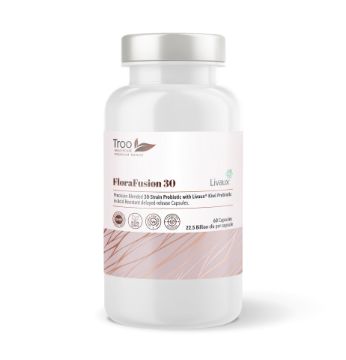
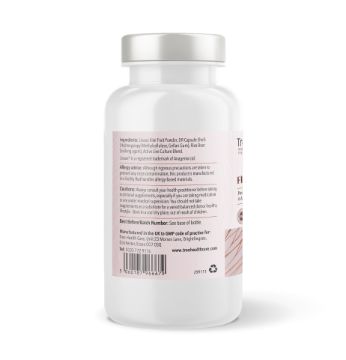
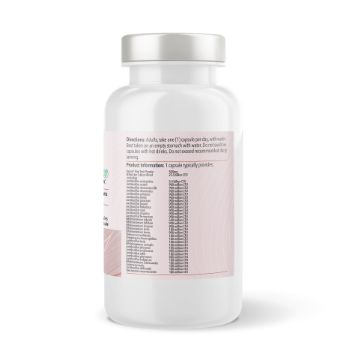
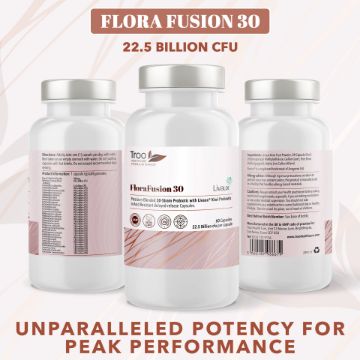
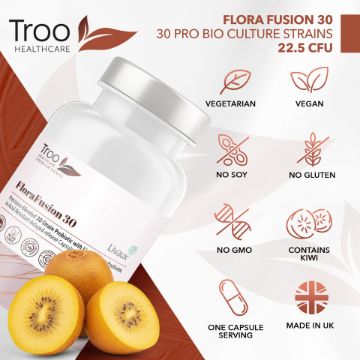
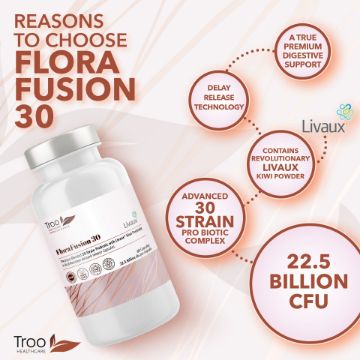
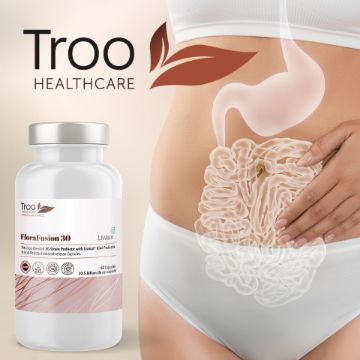

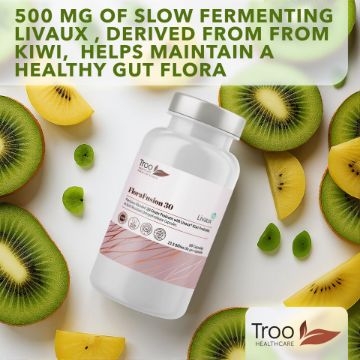
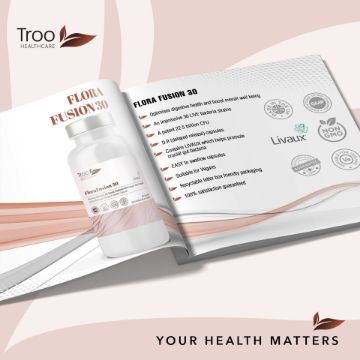
FabFlora Advanced Probiotics 60 Capsules - 30 Strain 22.5 Billion CFU
Elevate your health regime with the FabFlora Advanced Probiotic Complex. This superior supplement is a pioneering fusion of 30 strains of probiotics and prebiotics, meticulously crafted to optimise digestive health and boost overall well-being.
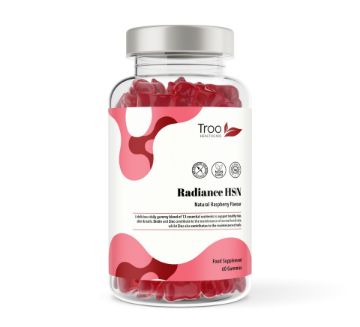
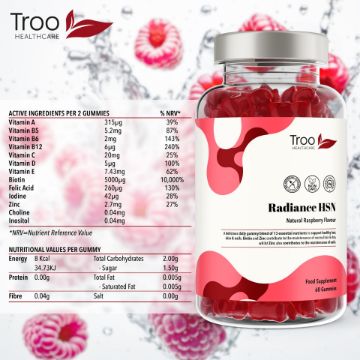
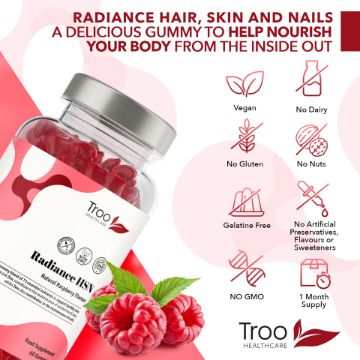
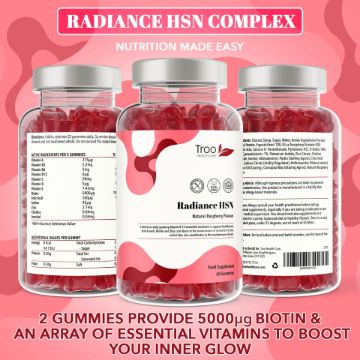
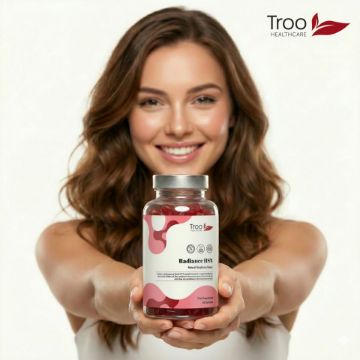
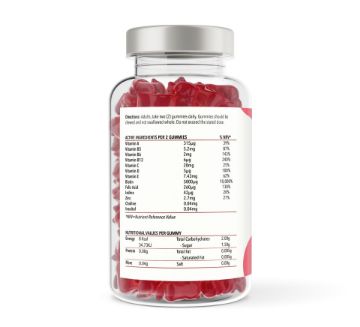
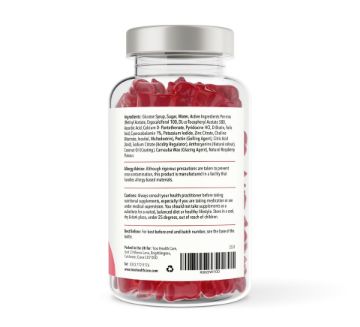
Radiance HSN Hair Skin & Nails Complex - Raspberry Flavour Gummies
Radiance HSN Hair Skin and Nails Complex - 150 Natural Raspberry Flavour Gummies specially formulated to help your hair, skin and nails blossom and flourish.
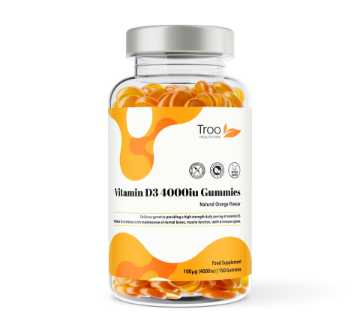
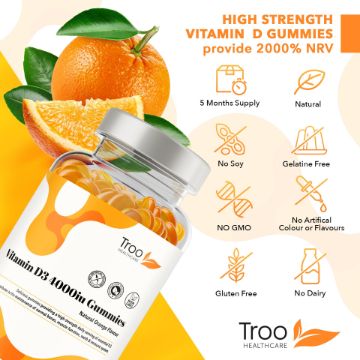
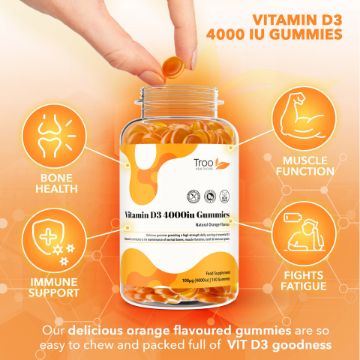
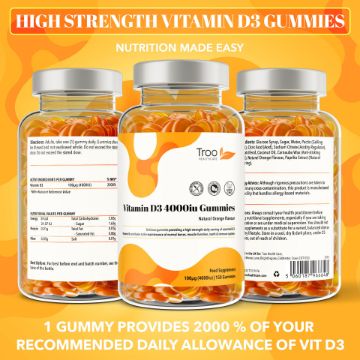
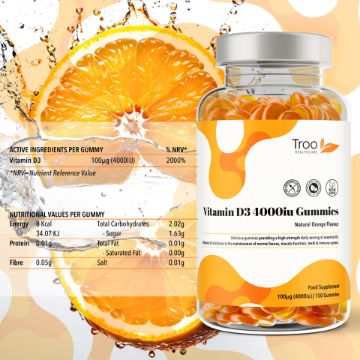
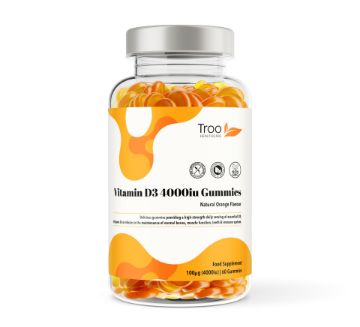
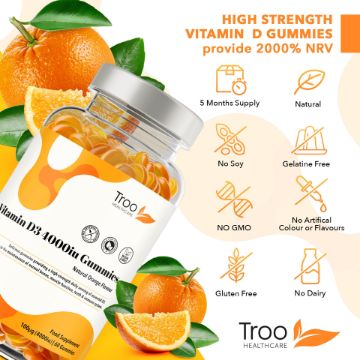
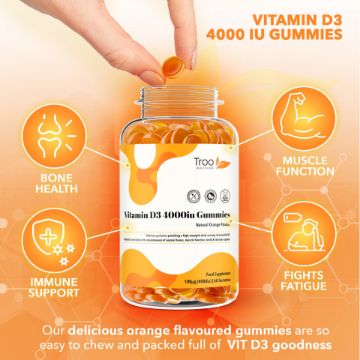
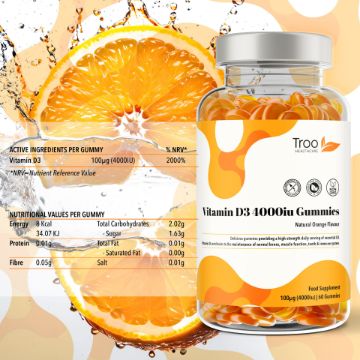
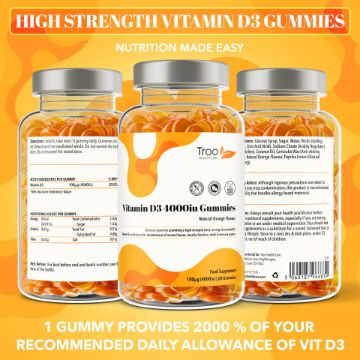
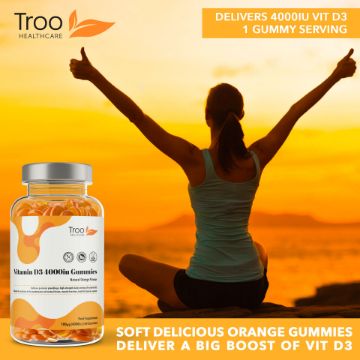

Vitamin D3 4000iu - Orange Flavour Gummies - High Strength
High strength 4000iu vitamin D3 gummies - natural orange flavour. Delicious daily vitamin D supplement.
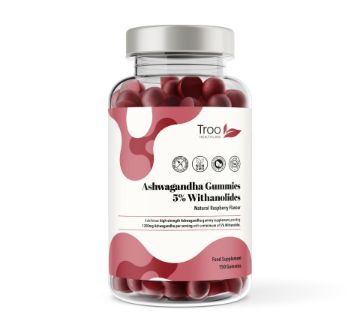
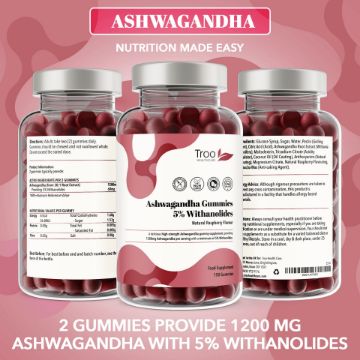
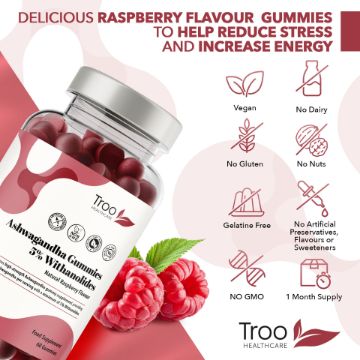
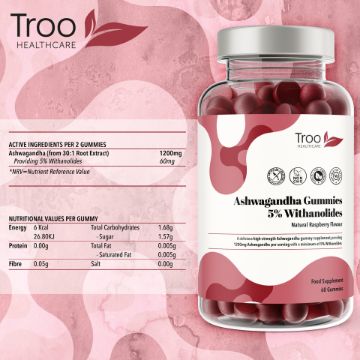
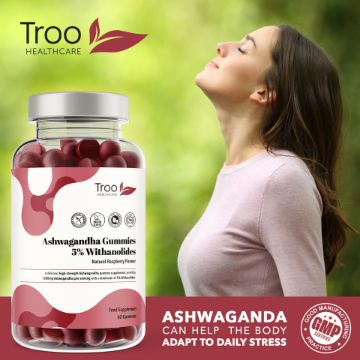

Ashwagandha 600mg - Natural Raspberry Flavour Gummies
Ashwagandha 600mg - 150 Natural Raspberry Flavour Gummies - high strength gummies containing at least 5% Withanolides.
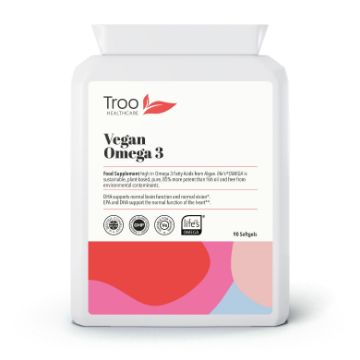
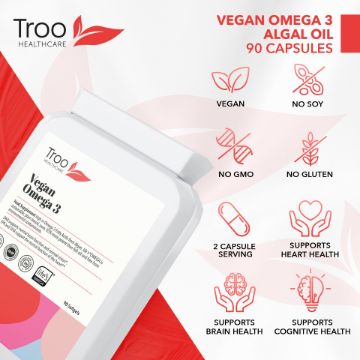
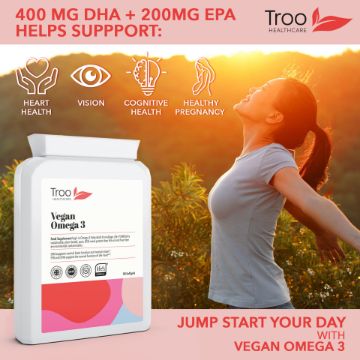
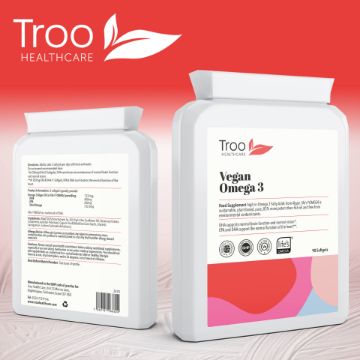
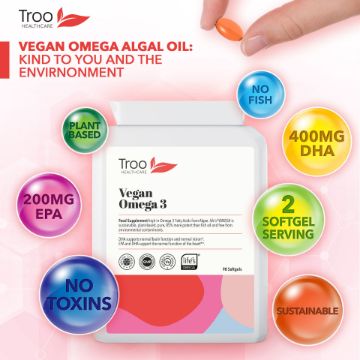

Vegan Omega 3 Algal Oil 90 Softgels - High Strength EPA & DHA
Vegan Omega 3 Oil 90 Softgels - providing 400mg DHA and 200 EPA per serving of 2 capsules. Vegan Food Supplement High in Omega 3 Fatty Acids from Algae.
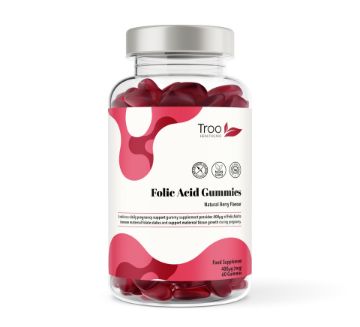
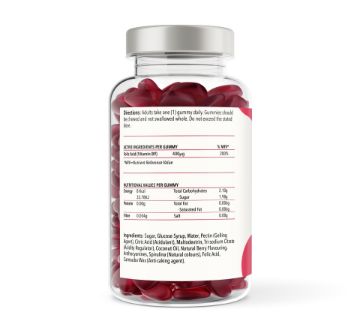
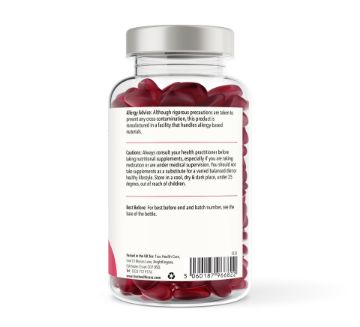
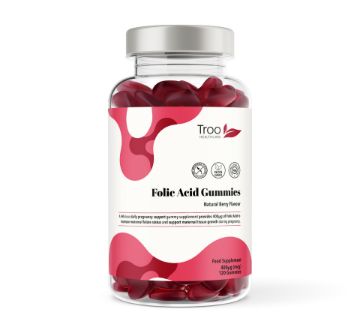
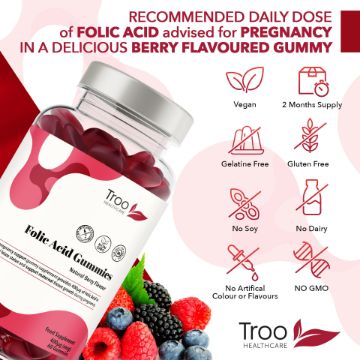
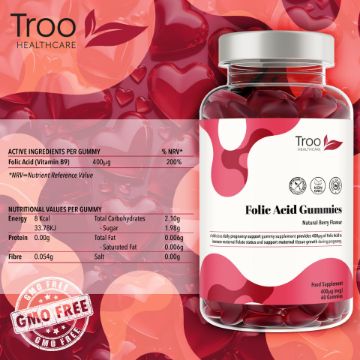
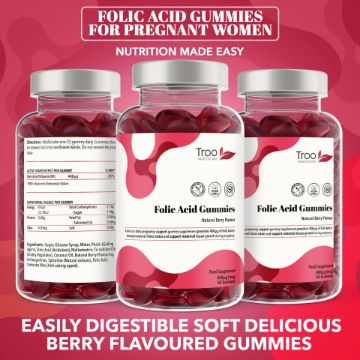
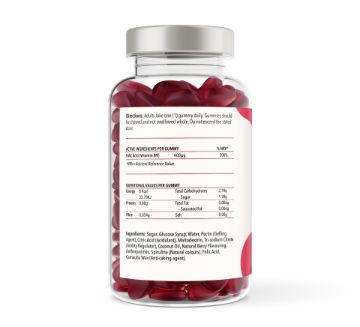
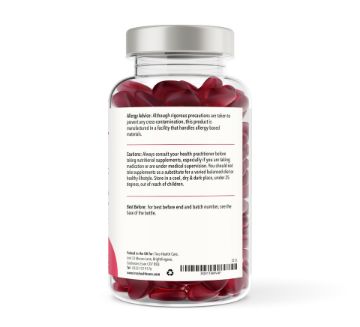
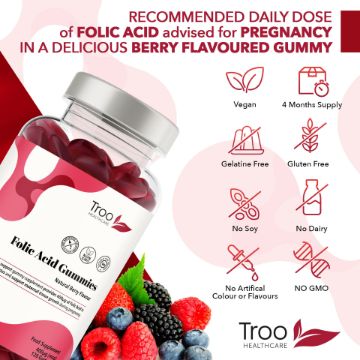
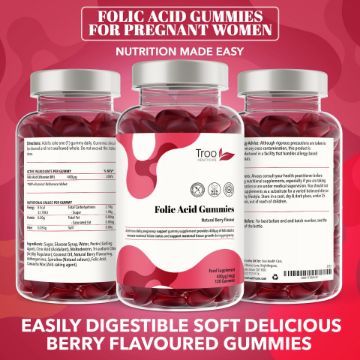
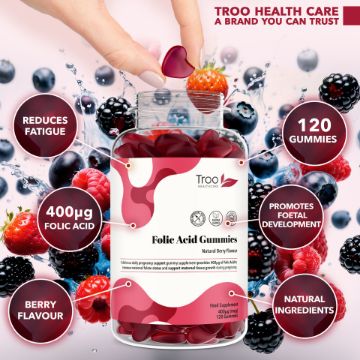

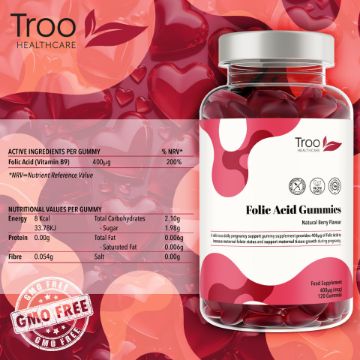

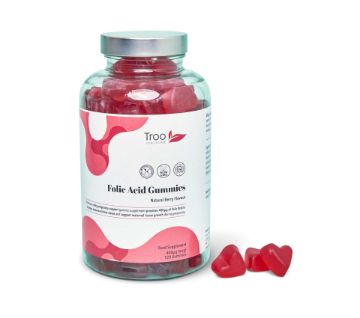

Folic Acid 400μg - Natural Berry Flavour Gummies
A delicious daily pregnancy support gummy supplement, providing 400μg of Folic Acid in each single gummy serving
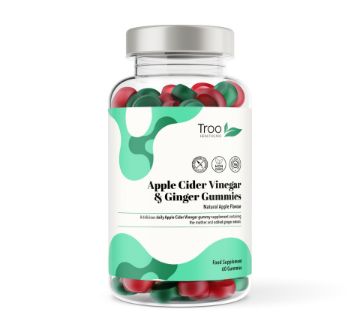
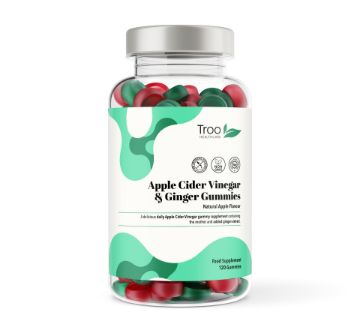
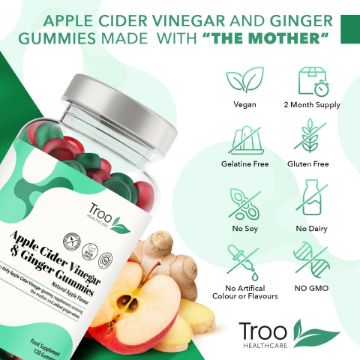
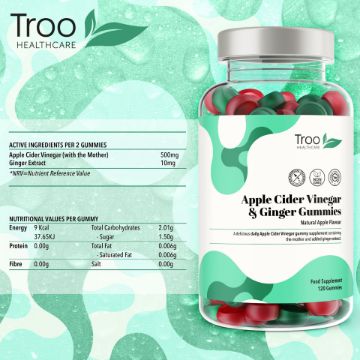
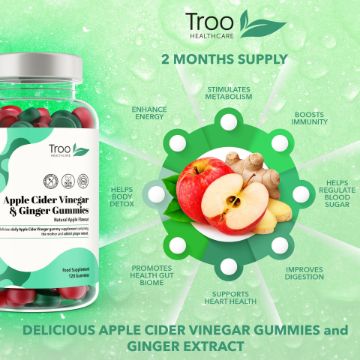
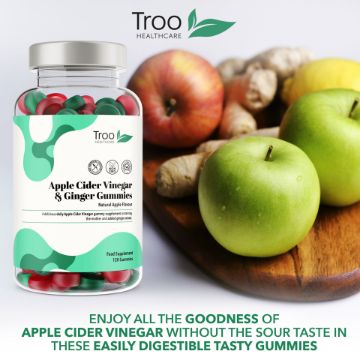
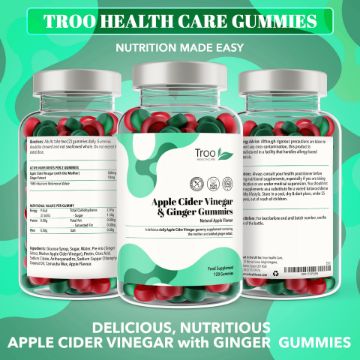
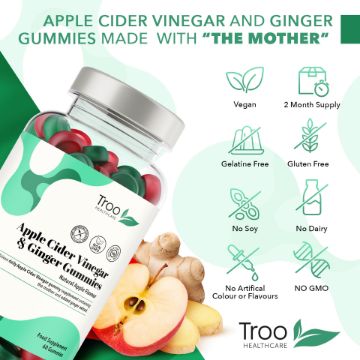
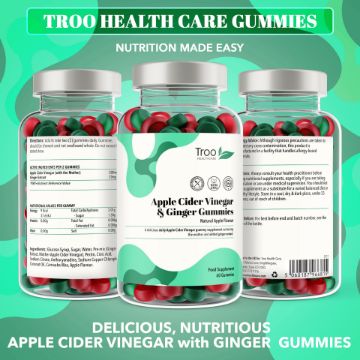
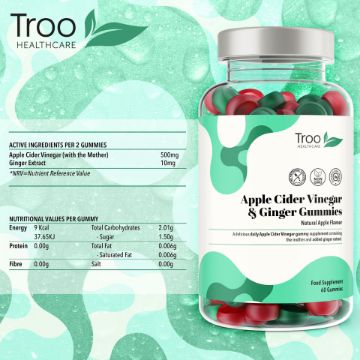
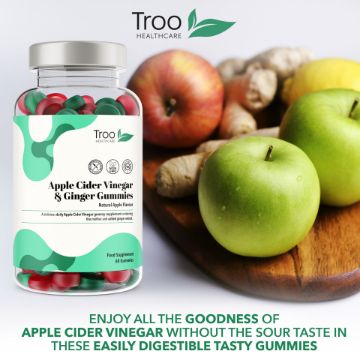


Apple Cider Vinegar Ginger - Natural Apple Flavour Gummies
Delicious natural apple-flavoured Apple Cider Vinegar gummies with ginger extract, formulated to provide all of the benefits without the sour cider vinegar taste.
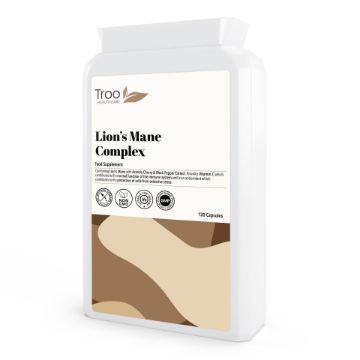
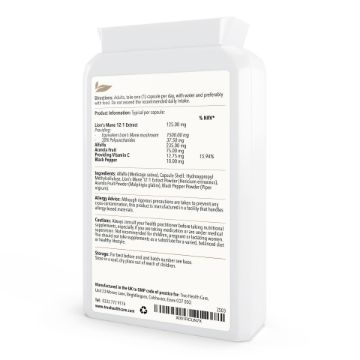
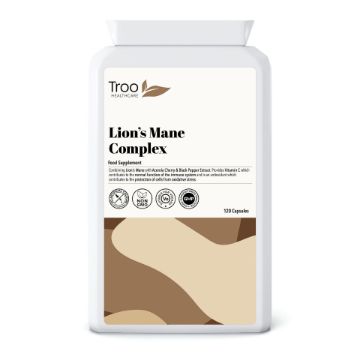
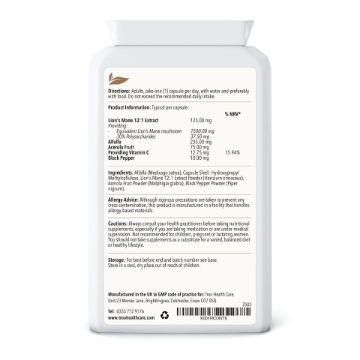
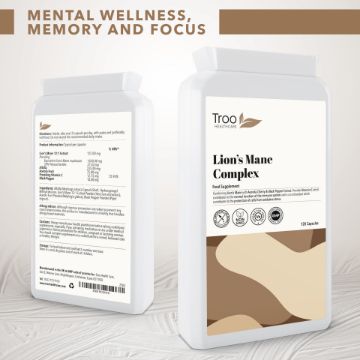
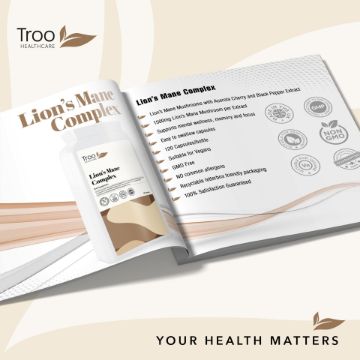
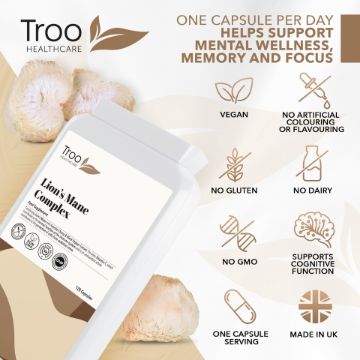
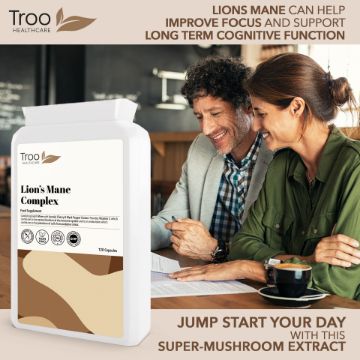
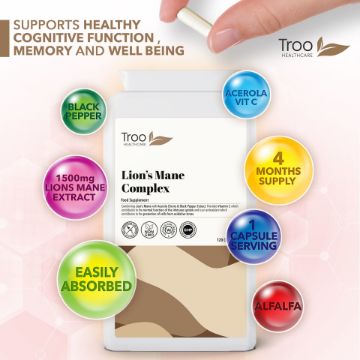

Lions Mane Extract with Acerola Vitamin C and Black Pepper 120 Capsules
Lion's Mane Extract with Black Pepper 120 Capsules. Troo Lions Mane capsules provide the equivalent of 1500mg Lions Mane Mushroom alongside acerola vitamin C on a bed of alfalfa.
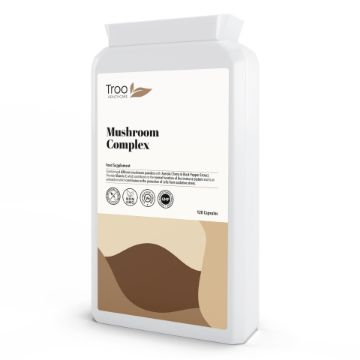
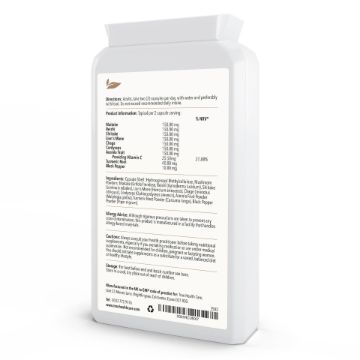
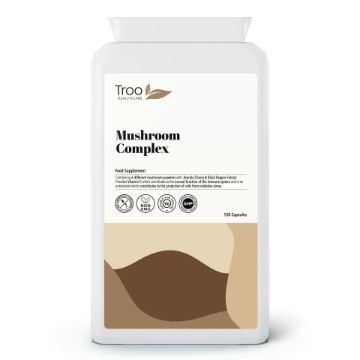
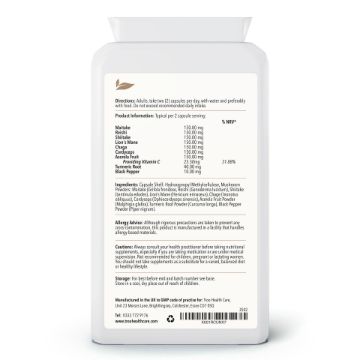
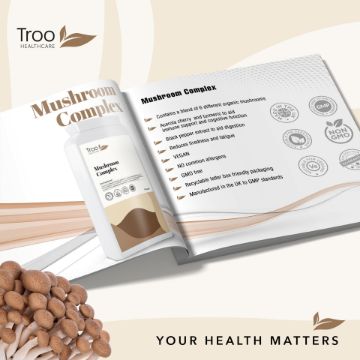
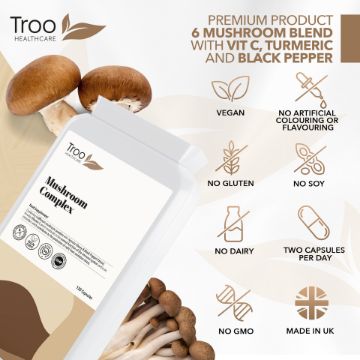
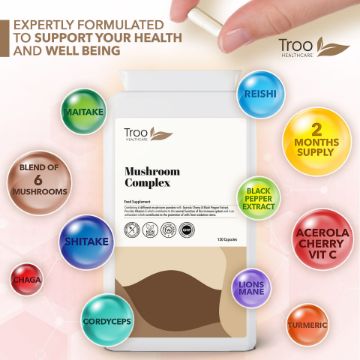

Mushroom Complex 120 Capsules
Mushroom Complex provides a blend of six specially selected mushroom powders supplemented with vitamin c from acerola cherry, as well as turmeric and black pepper extract.
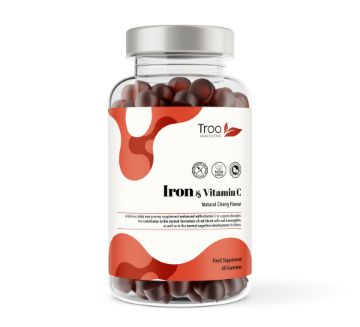
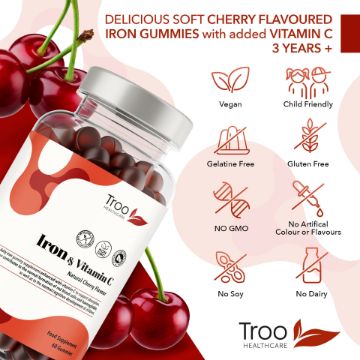
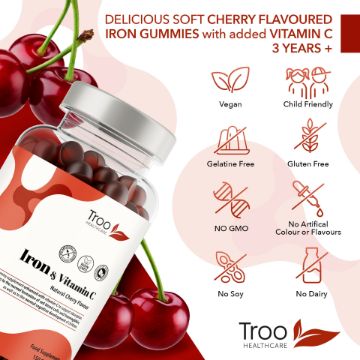
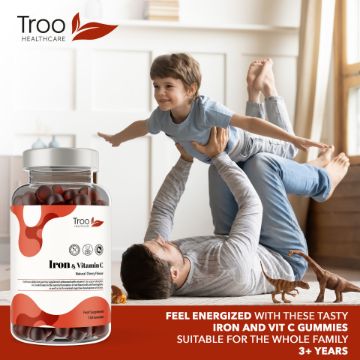
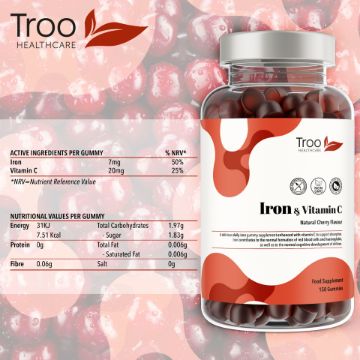
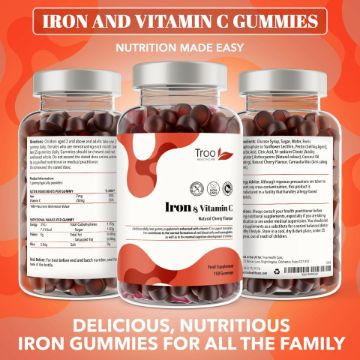
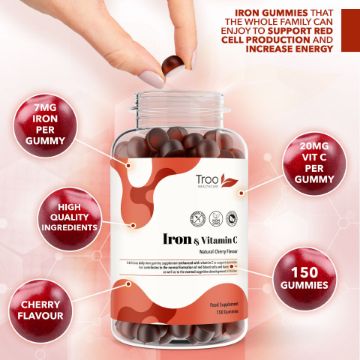
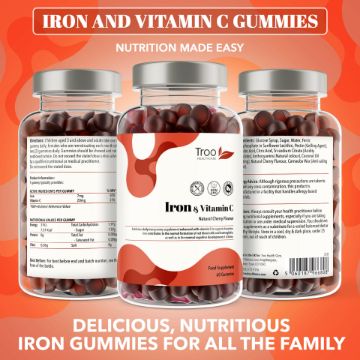
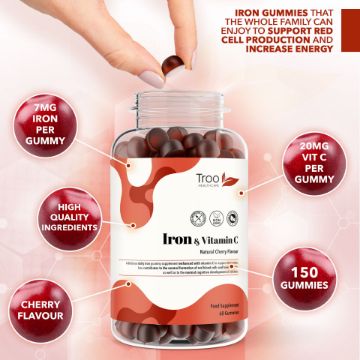
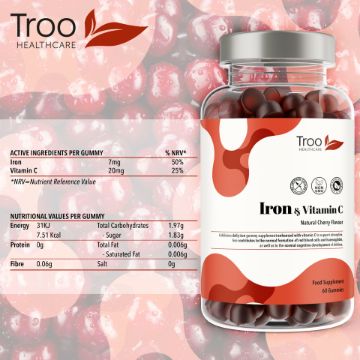
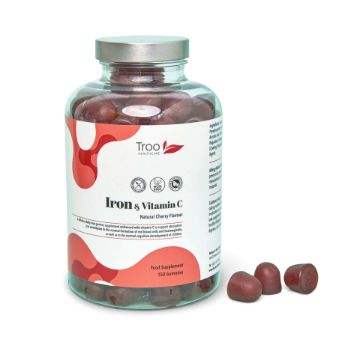
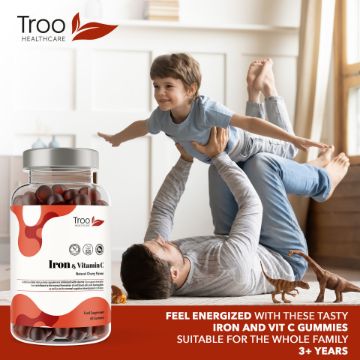

Iron & Vitamin C - Natural Cherry Flavour Gummies
Iron & Vitamin C - Natural Cherry Flavour Gummies. A delicious high-strength daily iron gummy supplement enhanced with vitamin C, which increases iron absorption.
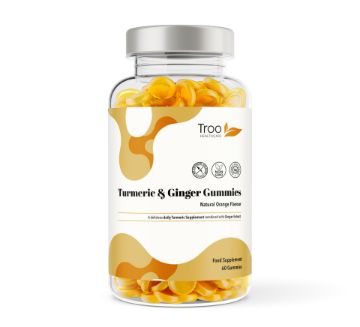
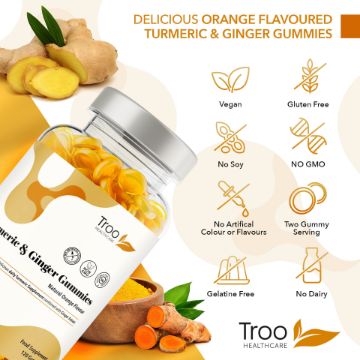
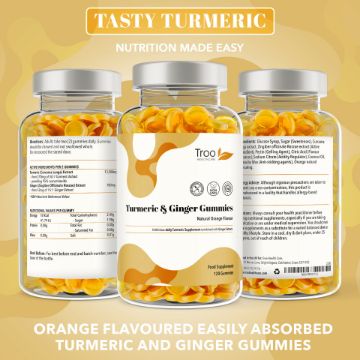
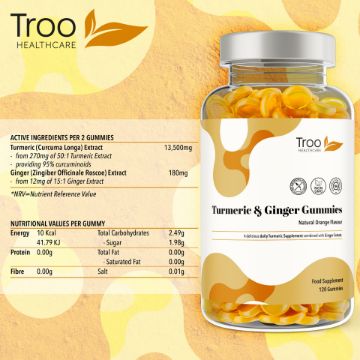
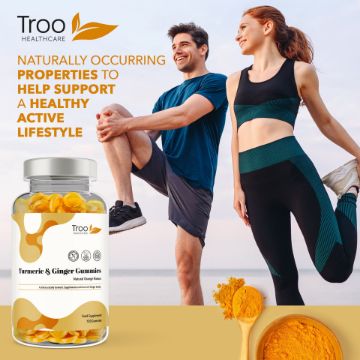
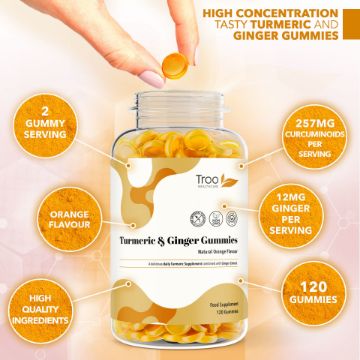
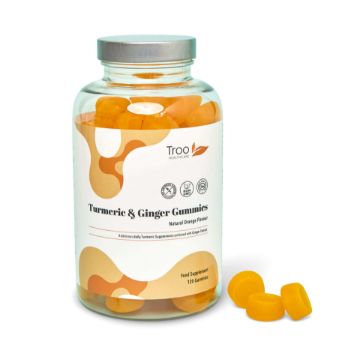

Turmeric and Ginger - Orange Flavour Gummies
Turmeric Curcumin & Ginger Gummies - Natural Orange Flavour Gummies with a blend of turmeric and ginger extract to support everyday wellbeing.
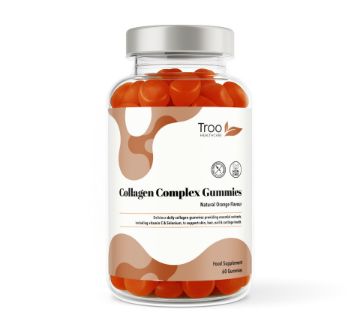
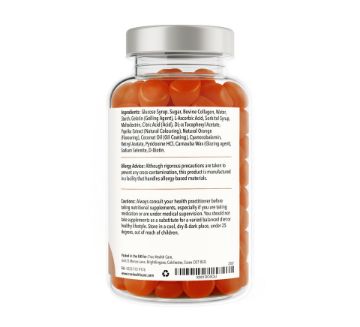
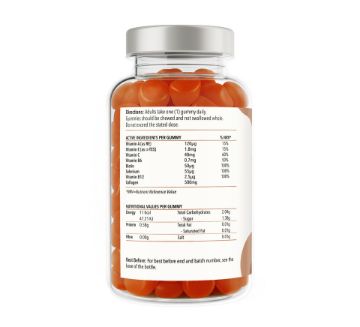

Collagen Complex - Orange Flavour Gummies
Collagen Complex Natural Orange Flavour Gummies - a delicious daily collagen supplement combined with essential vitamins to support skin, hair, nail & cartilage health.
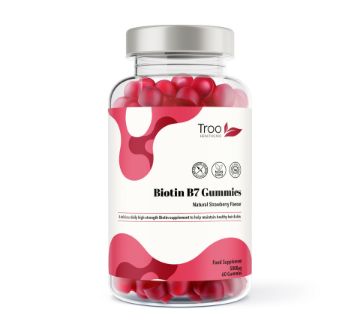
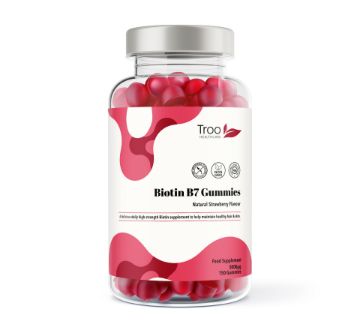
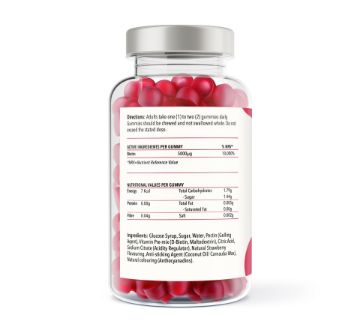
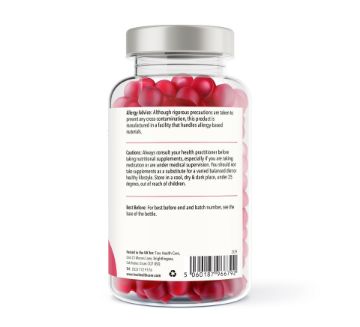
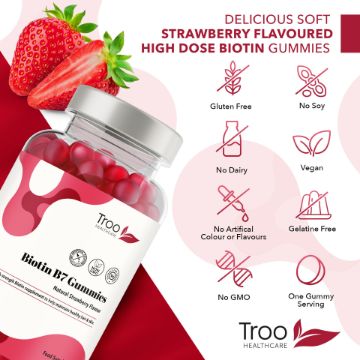
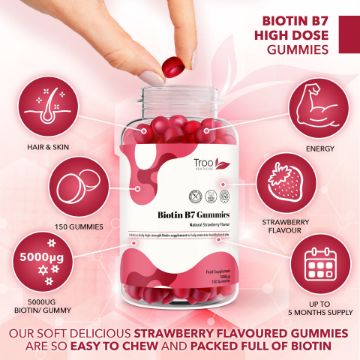
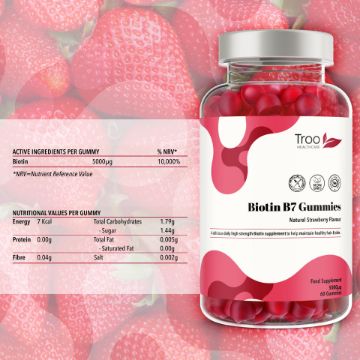
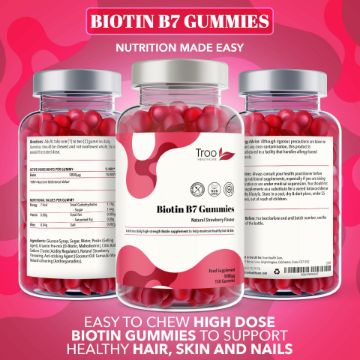
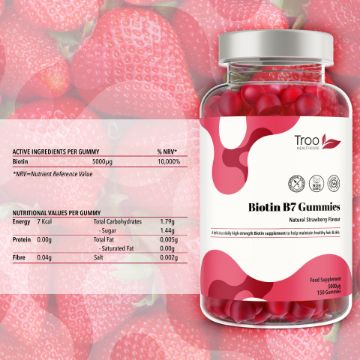
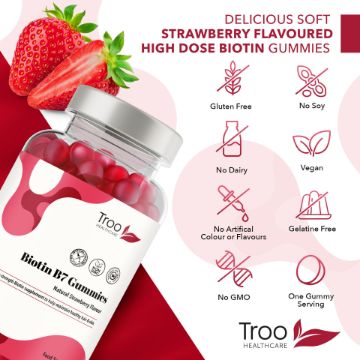
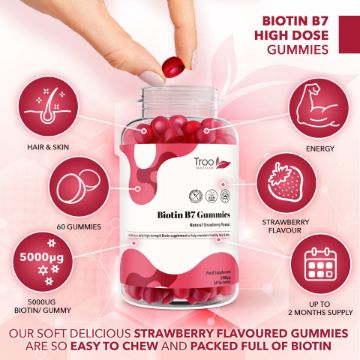
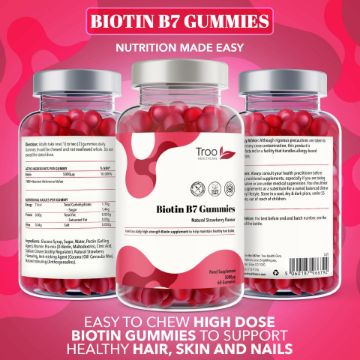


Biotin 5000ug - Natural Strawberry Flavour Gummies
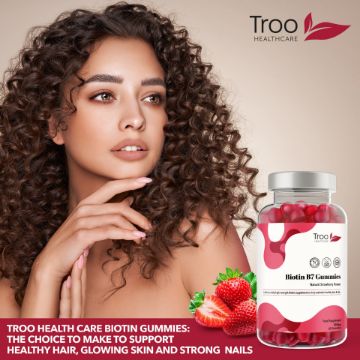
Biotin 5000μg Hair Growth Gummies - a high dose daily Biotin supplement that comes in a delicious natural strawberry-flavoured gummy form. Troo Biotin gummies are an excellent choice for those looking to support healthy hair and skin.
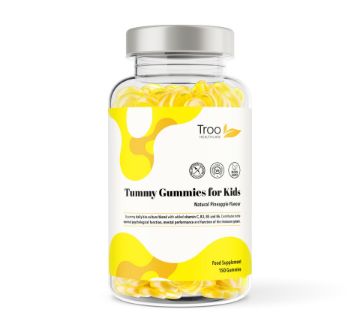
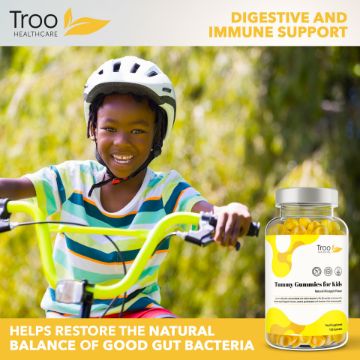
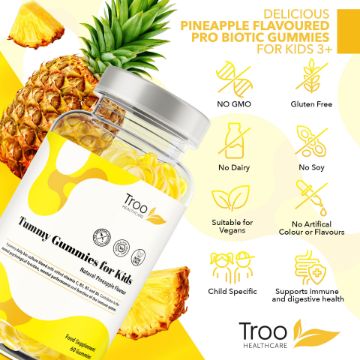
Tummy Gummies Probiotics for Kids & Adults - Pineapple Gummies
Tummy Gummies - Natural Pineapple Flavour Probiotic and Vitamin Gummies for children